GX Tank 140

From £71.82
RRP £59.71
Compared across 3 retailers
🔻 3.5% cheaper

Victron GX Tank 140 — 4-channel tank level monitor for GX devices. Supports 4-20mA and 0-10V sensors. USB powered, no additional wiring needed.

SKU
BPP920140100
Dimensions
90 x 35 x 25 mm
Number of Channels
4
Sensor Types Supported
4-20mA (current), 0-10V (voltage)
Powered Channels
2 (with 24V supply)
External Power Channels
2 (with fused outputs)

Price Comparison

This product is currently 3.5% cheaper than its 30-day average price of £74.46.

Retailer Price Availability Actions
Powerland £71.82 In Stock Visit Site
Energy Monkey £89.06 In Stock Visit Site
Amazon UK £89.80 In Stock Visit Site

Price History

Full Specifications

SKU BPP920140100
EAN 8719076053781
Dimensions 90 x 35 x 25 mm
Number of Channels 4
Sensor Types Supported 4-20mA (current), 0-10V (voltage)
Powered Channels 2 (with 24V supply)
External Power Channels 2 (with fused outputs)
Connection USB (power and data)
Display Via GX device and VRM Portal
NMEA 2000 Output Yes
Configurable Limits Yes (upper and lower)

About the GX Tank 140

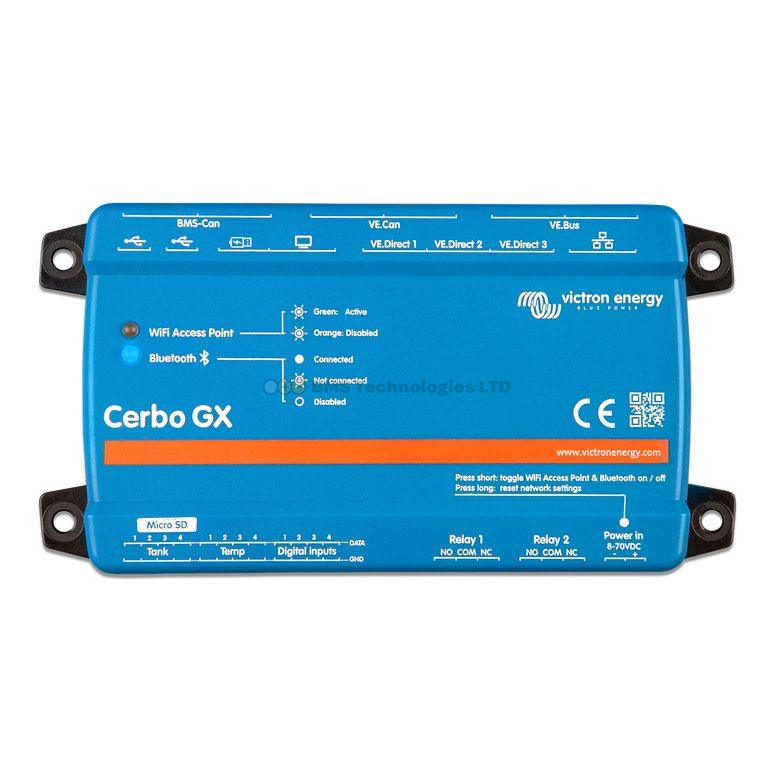
The Victron GX Tank 140 is a 4-channel tank level monitoring accessory for GX system monitoring products such as the Cerbo GX. It reads up to four tank level sensors simultaneously, supporting both current senders (4-20mA) and voltage senders (0-10V). Two of the four inputs include a 24V power supply to power the sender directly. The other two channels require an external power supply, with a power-in terminal and fused outputs. Upper and lower limits are configurable to accommodate senders that use only part of the scale. The GX Tank 140 connects to the GX device via USB, which also provides power — no additional power wires required. Tank levels are displayed on the GX device local display, on the VRM Portal, and are available on NMEA 2000.

Application Guide

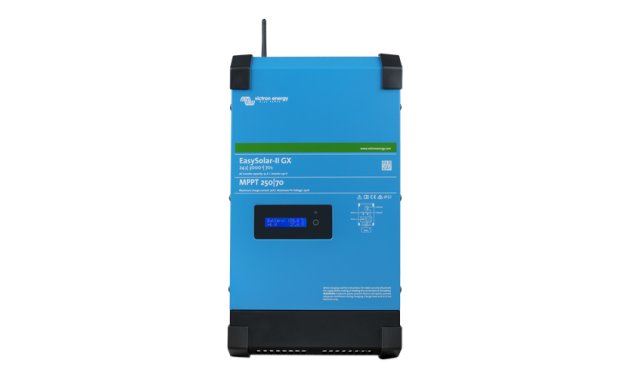
  • The Cerbo GX connects all your Victron components (inverter, MPPT, battery monitor) into one unified monitoring dashboard.
  • Access your system from anywhere in the world via the free VRM (Victron Remote Management) online portal.
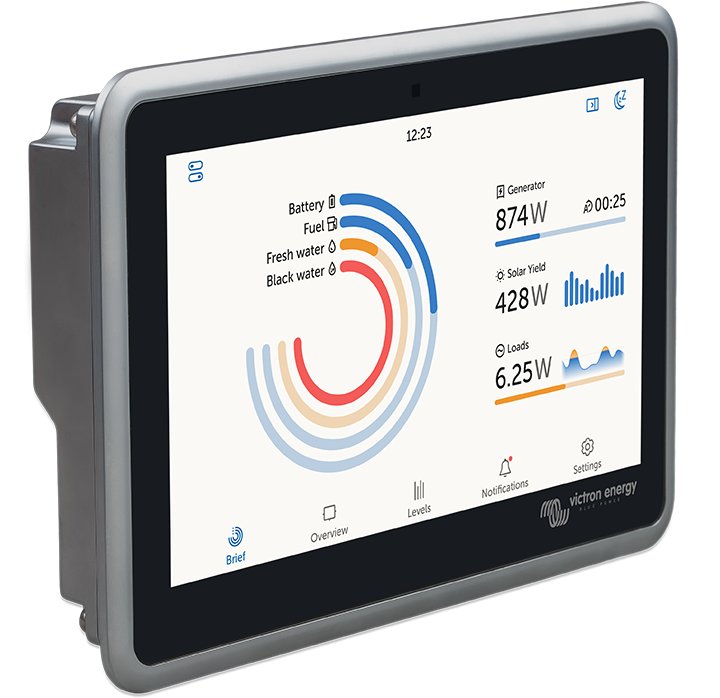
  • Add a GX Touch 50 or 70 display for a built-in touchscreen — or use the VRM app on your phone.