Power cuts in the UK are becoming more common. Ageing infrastructure, extreme weather events, and grid strain from the energy transition all contribute. A Victron system can keep your home running through an outage, but there are important legal, technical, and practical considerations specific to UK installations. This guide covers exactly how to set up a Victron system for backup power during grid failures.
How Often Do Power Cuts Happen in the UK?
According to Ofgem data, the average UK home experiences roughly one unplanned power cut per year, lasting an average of 40-60 minutes. However, this average masks significant variation:
- Rural areas — power cuts are more frequent and last longer (2-8 hours is common during storms) because overhead lines are exposed to weather and repair crews have further to travel
- Urban areas — cuts are less frequent but still occur, typically from substation faults or cable damage
- Storm events — severe weather can cause outages lasting 24-72 hours. Storm Arwen (2021) left over a million UK homes without power, some for up to a week
- Planned maintenance — DNOs occasionally schedule outages for network upgrades, usually with advance notice
If you work from home, have medical equipment that needs constant power, keep livestock, or simply want peace of mind, battery backup is a practical investment.
How Victron Provides Backup Power
A Victron MultiPlus-II or Quattro-II in ESS mode continuously monitors the grid connection. When it detects a grid failure:
- Grid loss detected — the MultiPlus-II senses that grid voltage and frequency have dropped outside acceptable limits
- Disconnect from grid — the internal transfer switch opens, isolating your home from the dead grid. This happens within approximately 20 milliseconds — fast enough that most electronics do not notice
- Switch to inverter mode — the MultiPlus-II begins powering your home from the battery. Your lights stay on, your fridge keeps running, and your internet stays connected
- Solar continues — if you have solar panels with a Victron MPPT charge controller (DC-coupled), solar production continues and charges the battery while simultaneously powering loads. AC-coupled solar (a separate solar inverter) is more complicated — see the section below
- Grid returns — when the MultiPlus-II detects stable grid voltage and frequency again, it reconnects to the grid, resynchronises, and closes the transfer switch. The transition back is seamless
This entire process is automatic. You do not need to press any buttons, flip any switches, or even be at home.
Legal Requirements: G98 and G99 Anti-Islanding
UK grid code regulations (G98 for systems up to 3.68 kW per phase, G99 for larger systems) mandate anti-islanding protection. This means your inverter must stop feeding power into the grid when the grid fails. The concern is safety: if your system pumps 230V into a "dead" grid, it could electrocute utility workers repairing the lines.
The Victron MultiPlus-II handles this correctly when configured with the ESS Assistant and the appropriate UK grid code. During a grid failure:
- The MultiPlus-II disconnects from the grid (anti-islanding)
- It continues to power your home's internal circuits from battery/solar
- No power flows back to the grid — the isolation is physical (relay opens)
- When grid returns, the system reconnects only after verifying stable voltage and frequency for the required duration (typically 60 seconds under G98/G99)
This is all configured during installation and requires no action from the homeowner. Your installer must ensure the ESS Assistant is loaded with the correct grid code settings and that the system passes the commissioning checks.
Critical Loads vs Whole-House Backup
You have two approaches to backup power, and this is one of the most important decisions in system design:
Option 1: Critical Loads Panel
Install a separate consumer unit (sub-board) for circuits you want backed up. Only these circuits receive power during an outage. Typical critical loads:
- Lighting (some or all circuits)
- Fridge and freezer
- Internet router
- Home office equipment
- Central heating controls and pump (gas boiler still needs electricity)
- Phone charging
- Medical equipment
- Security system and CCTV
Non-critical loads (oven, hob, immersion heater, EV charger, tumble dryer) stay on the main consumer unit and lose power during an outage.
Advantages: Smaller inverter and battery needed. Longer backup duration. Lower cost. Clearer separation of essential and non-essential loads.
Disadvantages: Requires rewiring some circuits to the critical loads panel. Additional consumer unit and changeover switching needed. Some appliances are not backed up.
Option 2: Whole-House Backup
The MultiPlus-II powers the entire consumer unit during an outage. Everything stays on, including high-power appliances.
Advantages: No rewiring needed. Every circuit is backed up. Simpler installation.
Disadvantages: Requires a larger inverter (to handle peak loads including oven, kettle, etc.). Requires a larger battery (high-power appliances drain it faster). Higher cost. Risk of the homeowner accidentally flattening the battery by running an electric oven during a prolonged outage.
For most UK homes, a critical loads panel is the better approach. It keeps costs reasonable and ensures the battery lasts through extended outages. A 5 kWh battery powering critical loads (500-800W average) lasts 6-10 hours. The same battery powering a whole house with oven and kettle use might last 1-2 hours.
Battery Sizing for Backup
How much battery you need depends on what you are backing up and for how long:
| Scenario | Average Load | Target Duration | Energy Required | Battery Size (at 80% DoD) |
|---|---|---|---|---|
| Critical loads only | 500W | 4 hours | 2 kWh | 2.5 kWh |
| Critical loads only | 500W | 8 hours | 4 kWh | 5 kWh |
| Critical loads only | 800W | 8 hours | 6.4 kWh | 8 kWh |
| Whole house (moderate use) | 2,000W | 4 hours | 8 kWh | 10 kWh |
| Whole house (moderate use) | 2,000W | 8 hours | 16 kWh | 20 kWh |
If you have solar panels, daytime outages are significantly extended because solar production offsets battery drain. A 4 kWp solar array in summer can produce 3-4 kW during the middle of the day, potentially covering all critical loads with energy to spare for recharging the battery.
Minimum SOC Reserve
In ESS mode, the minimum state of charge setting determines how much battery capacity is reserved for backup. If you set minimum SOC to 20%, the system uses 80% of the battery for daily self-consumption and tariff shifting, keeping 20% in reserve for a power cut.
Some homeowners set the minimum SOC higher (30-50%) during winter months when power cuts are more likely, accepting slightly lower tariff savings in exchange for longer backup duration. This can be adjusted remotely via VRM or scheduled to change automatically.
Inverter Sizing for Backup
The inverter must handle the peak simultaneous load during a power cut, not just the average. Consider what might run at the same time:
- Fridge compressor startup (300W surge, 100W running)
- Gas boiler pump and controls (100-200W)
- LED lighting (50-100W)
- Router and switch (20W)
- Phone charger (15W)
- TV (60W)
Total peak: approximately 800W. A Victron MultiPlus-II 48/3000 handles this easily, with plenty of headroom for motor startups. For whole-house backup that includes an oven (3 kW) or kettle (2-3 kW), you need a 48/5000 or larger.
AC-Coupled Solar During Power Cuts
If your solar panels connect through a separate AC solar inverter (Fronius, SolarEdge, SMA, etc.) rather than through a Victron MPPT controller, behaviour during a power cut is more complex.
AC-coupled solar inverters are designed to shut down when the grid fails (anti-islanding). When the Victron system creates a "micro-grid" on the backup circuits, the AC solar inverter may or may not recognise this as a valid grid and restart. Victron supports a feature called frequency shifting to manage AC-coupled solar during an outage:
- The MultiPlus-II creates a stable 230V/50Hz micro-grid on the protected circuits
- A compatible AC solar inverter (Fronius is best supported) detects this and starts producing
- If solar production exceeds load and the battery is full, the MultiPlus-II raises the frequency slightly, which signals the solar inverter to reduce output
Not all solar inverters support this. Fronius works well with Victron's frequency shifting. SolarEdge and Enphase have limitations. If backup power with AC-coupled solar is important to you, discuss inverter compatibility with your installer before purchasing. DC-coupled solar (via Victron MPPT) avoids this issue entirely because the MPPT controller is part of the Victron system and continues operating normally during outages.
System Configuration for UK Backup
ESS Assistant Settings
The ESS Assistant must be loaded onto the MultiPlus-II via VEConfigure. Key settings for UK backup:
- Grid code: United Kingdom G98 or G99 (depending on system size)
- LOM (Loss of Mains) detection: enabled — this is mandatory for UK compliance
- Sustain voltage: set appropriately for your battery chemistry — this prevents over-discharge during extended outages
Cerbo GX Settings
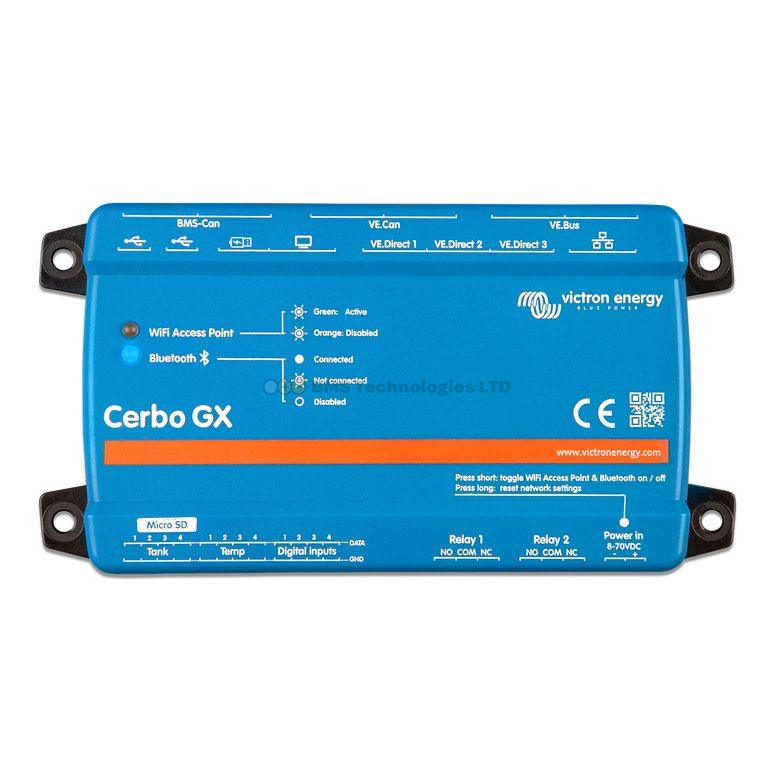
On the Cerbo GX, configure ESS mode and set your minimum SOC. The Cerbo GX manages the transition between grid-connected and backup mode automatically. Ensure "Grid lost" alarms are enabled in VRM so you receive a notification when a power cut occurs — useful if you are away from home.
What Happens Step by Step During a Power Cut
- Grid fails — voltage drops to zero or outside G98/G99 limits
- MultiPlus-II detects loss of mains — within 1-5 seconds (G98/G99 requires detection within specific timeframes)
- Transfer switch opens — your home is disconnected from the grid
- Inverter starts — the MultiPlus-II creates its own 230V/50Hz output from the battery. If using a critical loads panel, only those circuits receive power
- Loads transfer — sensitive electronics experience a brief interruption (20ms typical). Most devices do not notice, but desktop computers without a UPS may restart
- Solar continues (DC-coupled) — MPPT charge controllers continue producing, offsetting battery drain
- System runs on battery/solar — for hours or days, depending on battery size and load
- Grid returns — the MultiPlus-II detects stable voltage and frequency
- Reconnection delay — the system waits for the grid to be stable (typically 60 seconds) before reconnecting. This prevents reconnecting to an unstable or flickering supply
- Transfer switch closes — your home reconnects to the grid seamlessly. The battery begins recharging if it was depleted
System Sizing Examples
Example 1: Basic Backup (4-Hour Power Cut)
A semi-detached house wanting to keep lights, fridge, internet, and boiler controls running for 4-8 hours during a winter evening power cut.
| Component | Specification |
|---|---|
| Inverter/charger | MultiPlus-II 48/3000/35 |
| Battery | Victron LiFePO4 25.6V/200Ah (5.12 kWh) x2 in series = 10.24 kWh at 48V |
| GX device | Cerbo GX |
| Energy meter | ET112 (single-phase) |
| Backup duration (500W avg load) | ~16 hours at 80% DoD |
Example 2: Extended Backup with Solar (24+ Hours)
A rural detached house with frequent power cuts, wanting multi-day resilience. Solar panels extend backup indefinitely during daylight hours.
| Component | Specification |
|---|---|
| Inverter/charger | MultiPlus-II 48/5000/70 |
| Battery | 15-20 kWh LiFePO4 (Victron or Pylontech via DVCC) |
| Solar | 4-6 kWp array via Victron SmartSolar MPPT 250/70 |
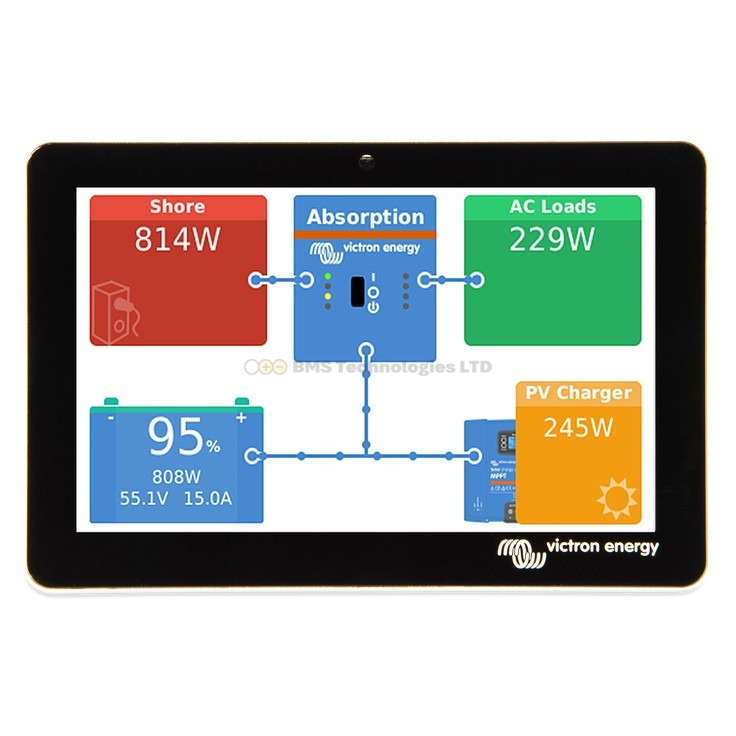
| GX device | Cerbo GX + GX Touch 50 |
| Energy meter | ET112 |
| Backup duration (critical loads, with solar) | 24+ hours (potentially indefinite in summer) |
Example 3: Whole-House Backup
A large detached home wanting every circuit backed up, including oven and high-power appliances.
| Component | Specification |
|---|---|
| Inverter/charger | MultiPlus-II 48/5000/70 (or parallel pair for 10 kW) |
| Battery | 20-30 kWh LiFePO4 |
| Solar | 6-10 kWp array via multiple MPPT controllers |
| GX device | Cerbo GX |
| Backup duration (2 kW avg whole-house) | 8-12 hours without solar |
Common Mistakes with Backup Systems
- No critical loads panel — relying on whole-house backup without separating circuits means the battery drains quickly if someone switches on a kettle or oven during an outage
- Minimum SOC set too low — if your ESS system uses the battery down to 10% SOC for daily tariff shifting, there is minimal reserve for a power cut. Keep at least 20-30% reserved if backup is important
- Forgetting the gas boiler — a gas boiler still needs electricity for its controls, pump, and ignition. Many homeowners discover this during their first power cut. Ensure the boiler circuit is on the critical loads panel
- AC-coupled solar not tested — if your solar inverter does not support frequency shifting, you have zero solar production during a power cut. Test this during commissioning
- No internet during outage — if your router is not on the critical loads panel, you lose VRM monitoring during the outage. More importantly, you lose internet access for working from home during the power cut
For a complete system design, see our system design guide. To explore ESS scheduled charging for daily tariff savings alongside backup, see our dedicated guide. For help selecting components, use the system builder tool to compare prices across UK retailers.