One of the most compelling reasons to install a Victron Energy Storage System (ESS) in a UK home is the ability to charge your batteries when electricity is cheapest and use that stored energy when rates are highest. With the rise of time-of-use tariffs from suppliers like Octopus Energy, a Victron MultiPlus-II with a battery bank can genuinely reduce your electricity bill. This guide explains exactly how to set it up.
Understanding UK Time-of-Use Tariffs
Time-of-use (ToU) tariffs charge different rates depending on when you consume electricity. Unlike a standard flat-rate tariff (typically 24-28p/kWh in 2024-25), ToU tariffs offer cheap off-peak windows in exchange for higher peak rates.
Octopus Go
The most popular ToU tariff for battery owners. Octopus Go provides a 4-hour off-peak window (typically 00:30 to 04:30) at a significantly reduced rate — often 7.5-12p/kWh compared to a peak rate of 25-35p/kWh. Originally designed for EV owners, it works equally well for home battery systems. The fixed off-peak window makes ESS scheduling straightforward.
Octopus Agile
Agile offers half-hourly pricing that changes daily based on wholesale electricity costs. Prices can drop below zero during windy overnight periods (you are paid to consume) and spike to 35p+ during peak evening hours. The variable schedule makes it harder to configure fixed charging windows, but the savings potential is higher for those willing to manage it actively. Some third-party tools can automate charging decisions based on Agile forecasts.
Economy 7 and Economy 10
Economy 7 is the traditional off-peak tariff, typically offering 7 hours of cheaper electricity overnight (exact times vary by region, commonly midnight to 07:00). Economy 10 provides 10 off-peak hours split across overnight, afternoon, and evening periods. Both are available from most UK suppliers. The off-peak rates are less competitive than Octopus Go but still offer worthwhile savings when combined with battery storage.
Intelligent Octopus Go
An extended version offering up to 6 hours of off-peak pricing. While primarily aimed at smart EV chargers, the off-peak window applies to your whole household supply, meaning your Victron ESS benefits from the cheaper rate too.
What Is Victron ESS?
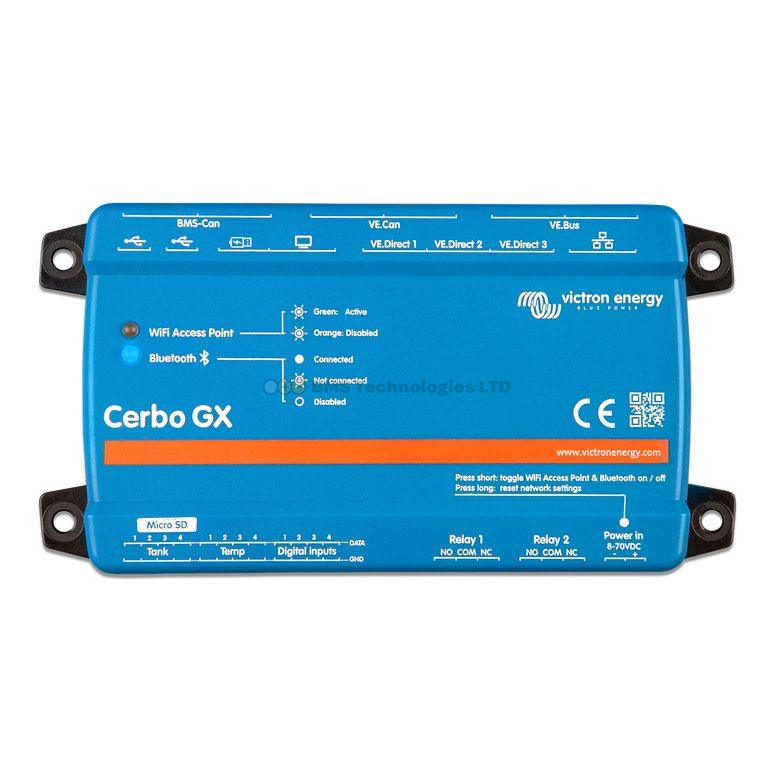
ESS (Energy Storage System) is a Victron operating mode designed specifically for grid-connected battery systems. It is configured through a Victron GX device (Cerbo GX or similar) and requires a MultiPlus-II or Quattro-II inverter/charger connected to both the grid and a battery bank.
In ESS mode, the system can:
- Charge from the grid during cheap off-peak periods
- Discharge the battery to power your home during expensive peak periods
- Integrate solar — charge from solar panels during the day and only use stored or solar power
- Feed excess solar back to the grid if permitted (relevant for SEG payments)
- Maintain a minimum state of charge for emergency backup
Required Hardware
A complete Victron ESS system for scheduled charging requires:
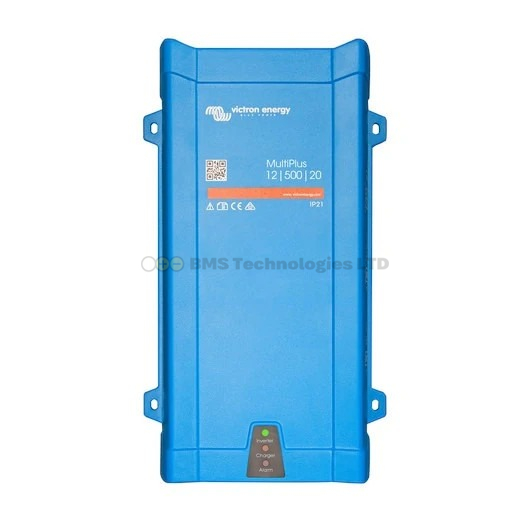
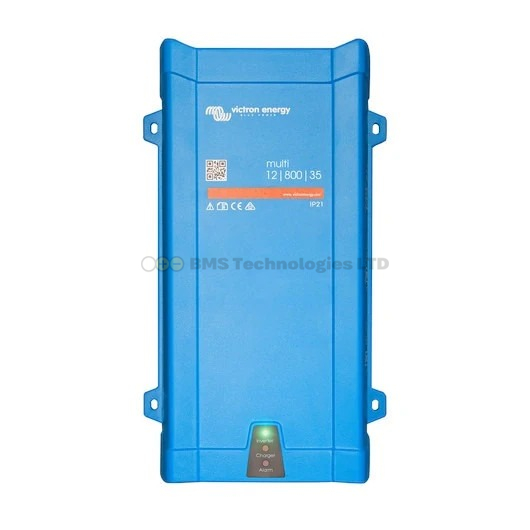
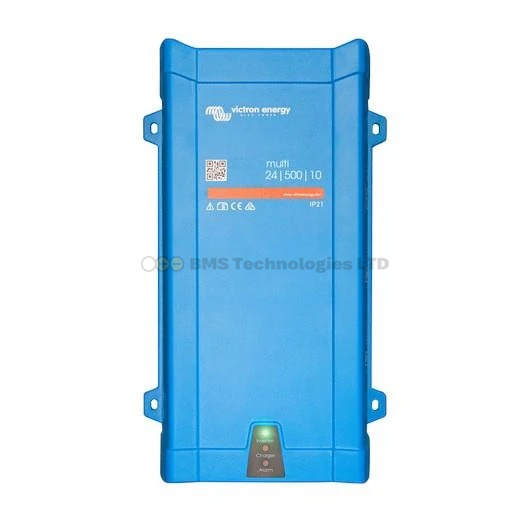
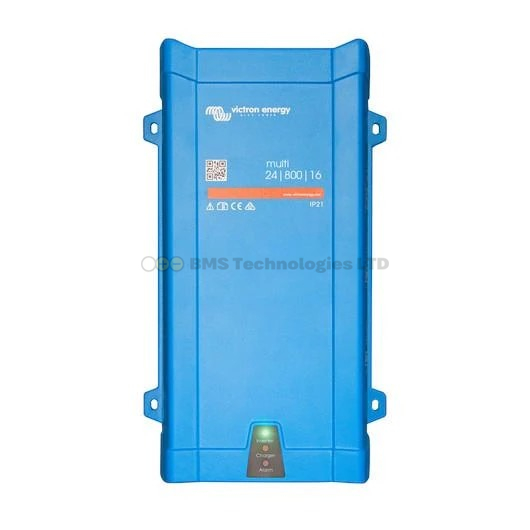
- Victron MultiPlus-II (e.g., MultiPlus-II 48/3000/35 or 48/5000/70) — the inverter/charger that connects to the grid and battery. See our MultiPlus guide for sizing help
- Battery bank — Victron Lithium Smart batteries are recommended for daily cycling. Lead-acid can work but degrades much faster with daily deep cycles
- GX device — a Cerbo GX or similar. The GX device runs the ESS logic and provides VRM remote access
- Energy meter — a Victron Energy Meter (ET112 for single-phase or ET340 for three-phase) installed at the grid connection point. This tells the ESS system how much power the house is consuming and whether you are importing or exporting
- Internet connection — for VRM monitoring and remote schedule changes. The system works without internet but you lose remote access
Setting Up Scheduled Charging in VRM
Scheduled charging is configured through the VRM portal (Victron Remote Management) or directly on the GX device. Here is the step-by-step process:
1. Enable ESS Mode
On the GX device, navigate to Settings > ESS and set the mode to "ESS". Select your grid code (UK: G98 or G99 depending on system size). Set the grid metering point to the location of your energy meter.
2. Set the Grid Setpoint
The grid setpoint tells the ESS system how much power to draw from or feed to the grid. For most UK homes, set this to 0W. This means the system will try to supply all household loads from battery/solar and neither import from nor export to the grid during peak hours. If you have a Smart Export Guarantee (SEG) contract and want to export surplus solar, you can leave the setpoint at 0W — the system will naturally export when batteries are full and solar exceeds consumption.
3. Configure the Charging Schedule
In VRM, go to the ESS > Scheduled Charging section. Create a schedule that matches your tariff's off-peak window:
| Tariff | Start Time | End Time | Target SOC |
|---|---|---|---|
| Octopus Go | 00:30 | 04:30 | 100% |
| Economy 7 | 00:00 | 07:00 | 100% |
| Economy 10 (overnight) | 00:00 | 05:00 | 100% |
| Intelligent Octopus Go | 23:30 | 05:30 | 100% |
During the scheduled window, the MultiPlus-II will draw power from the grid at the maximum charge rate to fill the batteries. Outside this window, the system runs from battery and/or solar.
4. Set Minimum State of Charge
The minimum SOC setting prevents the battery from being fully depleted. Set this to:
- 10-20% if you want maximum savings (uses almost all stored energy before switching to grid)
- 30-40% if you want some reserve for unexpected consumption or a short power cut
- 50%+ if power cut backup is a priority for your household
When the battery reaches the minimum SOC, the system automatically switches to grid power for the remaining loads until the next scheduled charging window or solar production resumes.
5. Charger Current Limit
Set the AC input current limit on the MultiPlus-II to avoid overloading your home's supply. Most UK homes have a 60A or 100A main fuse. If you are charging batteries at the maximum rate while other overnight loads are running (immersion heater timer, EV charger), you could trip the main fuse. A 32A input limit on the MultiPlus-II is a safe starting point for homes with a 100A supply.
Calculating Your Savings
The Basic Maths
Savings come from the difference between peak and off-peak rates, minus system losses. A realistic round-trip efficiency for a Victron ESS system (grid to battery and back) is 85-90%.
Example with Octopus Go:
- Off-peak rate: 7.5p/kWh
- Peak rate: 28p/kWh
- Usable battery capacity: 10 kWh (e.g., two Victron 25.6/200 batteries)
- Round-trip efficiency: 87%
Cost to charge 10 kWh at off-peak: 10 / 0.87 x 7.5p = 86p (you need to buy 11.5 kWh to store 10 kWh usable)
Value of 10 kWh at peak rate: 10 x 28p = £2.80
Daily saving: £2.80 - £0.86 = £1.94 per day, or roughly £708 per year.
This assumes you use the full 10 kWh daily from the battery, which depends on your household consumption. If your daily usage is only 6 kWh during peak hours, adjust accordingly.
Adding Solar
If you also have solar panels feeding through a Victron MPPT controller, the savings increase further. Solar production during the day reduces how much stored energy you use, meaning the batteries last longer into the evening peak or you need fewer kWh of off-peak charging. In summer, a well-sized solar array may mean you barely touch the off-peak charging at all.
Optimising for Octopus Agile
Agile tariffs require a more dynamic approach because rates change every 30 minutes. Fixed scheduled charging windows are less effective because the cheapest periods shift daily. Several approaches exist:
- Fixed overnight window — set a broad window (e.g., 01:00 to 05:00) and accept that some nights you will not catch the absolute cheapest slots. Simple and reliable
- Third-party automation — tools like Node-RED running on the Cerbo GX (or an external Raspberry Pi) can pull Agile forecast data and dynamically adjust the charging schedule via the VRM API. This captures the cheapest slots but requires technical setup
- Manual daily adjustment — check tomorrow's rates on the Octopus app each evening and adjust the VRM schedule. Effective but tedious
For most Agile users, a fixed overnight window captures 80-90% of the possible savings with none of the complexity.
Battery Chemistry Considerations for Daily Cycling
Scheduled charging means your battery cycles once per day, every day. This is a demanding duty cycle and battery choice matters enormously:
- Victron Lithium Smart (LiFePO4) — rated for 5,000+ cycles at 80% DOD. At one cycle per day, that is over 13 years of daily use. The clear choice for ESS
- AGM (Victron AGM Super Cycle) — rated for approximately 400 cycles at 50% DOD. At one cycle per day, you would need replacement within 1-2 years. Not cost-effective for daily ESS use
- Third-party lithium (e.g., Pylontech, BYD) — compatible with Victron via DVCC (Distributed Voltage and Current Control) through the GX device. A cost-effective alternative with good cycle life, though Victron's own batteries offer the tightest integration
Important Considerations for UK Installations
DNO Notification
Any battery system connected to the UK grid requires notification to your Distribution Network Operator (DNO) under the G98 or G99 regulations. Systems up to 3.68 kW (single-phase) fall under G98 and typically require notification only. Larger systems require G99 application and approval, which can take several weeks.
MCS Certification
If you want to claim the Smart Export Guarantee (SEG) for exported solar, the solar element of your installation must be MCS-certified and installed by an MCS-accredited installer. The battery storage element does not currently require MCS certification, but many installers handle both.
Insurance
Inform your home insurer about the battery installation. Most insurers are comfortable with LiFePO4 batteries installed to current standards, but failure to declare could void your cover.
Monitoring and Fine-Tuning
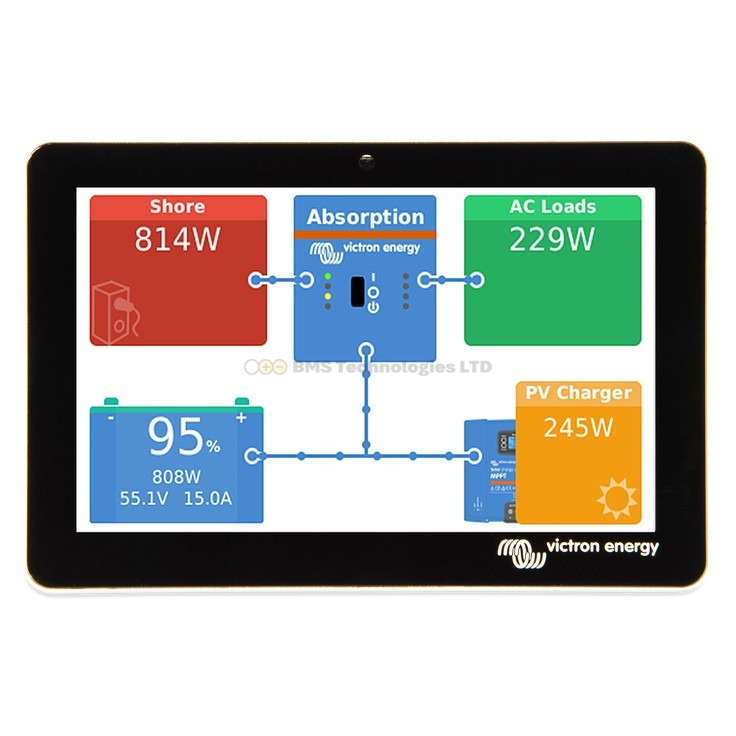
The VRM portal provides detailed graphs showing exactly when the system charges, when it discharges, and how much grid power you import. After the first week of operation, review the data to check:
- Does the battery fully charge within the off-peak window? If not, consider a MultiPlus-II with a higher charge current rating
- Does the battery last until the next off-peak window? If it depletes by 6pm, you may need more battery capacity or a higher minimum SOC
- Are you exporting excess solar? If so, consider whether increasing battery capacity would capture more of this for self-consumption
For a deeper understanding of monitoring, see our VRM portal guide. To explore the full range of compatible batteries, visit our Victron lithium battery guide.