Using a generator with a Victron MultiPlus or Quattro is one of the most common off-grid configurations, but generators produce messier power than the mains grid. Without the right settings, the MultiPlus may reject the generator's output, refuse to charge, or cause the generator to stall. This guide covers everything you need to configure.
Why Generators Need Special Settings
Generators — especially portable and small inverter generators — produce AC power that differs from grid power in several ways:
- Frequency variation: Grid power is locked at 50.0Hz. Generators can vary between 47Hz and 53Hz, especially under load changes.
- Voltage fluctuation: Generator voltage may swing between 210V and 250V as loads change.
- Waveform distortion: Cheaper generators produce a modified sine wave or a poor approximation of pure sine. Even inverter generators can have harmonic distortion.
- Limited power capacity: A 3kW generator can't supply 3kW continuously — typical usable output is 80% of the rated capacity.
The MultiPlus's AC input has quality standards. By default, it may reject a generator's output because the voltage or frequency is outside the acceptable range. You need to widen these acceptance windows.
Essential VEConfigure Settings
Connect to your MultiPlus via the MK3-USB adapter and open VEConfigure. The following settings are on the Grid tab and Inverter tab.
1. Accept Wide Input Frequency Range
Default grid frequency range: 45Hz–65Hz. For generators, ensure this is set to at least 45Hz–65Hz. Most generators stay within this range, but check yours under load.
2. Enable "Dynamic current limiter"
This softens the MultiPlus's current draw when the AC input is connected, preventing the sudden inrush that can stall small generators. Enable it on the Grid tab.
3. Set Input Current Limit
Set this to 80% of your generator's rated output. For a 3kW generator (13A at 230V), set the limit to approximately 10A. This prevents the MultiPlus from overloading the generator.
4. Enable "Weak AC" Support
On the Grid tab, enable "Accept wide input frequency range" and set UPS mode to off when using a generator. The "weak AC" mode makes the MultiPlus more tolerant of voltage and frequency fluctuations.
In the Cerbo GX, this setting appears under Settings → System Setup → AC Input where you can designate the input as "Generator" rather than "Grid". This automatically applies more relaxed input quality standards.
5. Configure Charge Current Limit
The MultiPlus's built-in charger can draw significant power. If your generator is a small 2kW unit, limit the charge current so the total load (charging + passthrough loads) doesn't exceed the generator's capacity.
A rough guide: Charge current (A) = (Generator watts × 0.8 - expected AC loads) ÷ Battery voltage
For a 2kW generator with 200W of AC loads charging a 12V battery: (1600W - 200W) ÷ 14.4V = 97A. But the MultiPlus charger is typically limited to 30–70A anyway, so this is rarely the bottleneck. Just ensure total power draw doesn't exceed the generator rating.
Generator Auto-Start via Cerbo GX
If you have a Cerbo GX and a generator with remote start capability, you can configure automatic generator start/stop based on battery conditions.
Configuration Steps
- Navigate to Settings → Generator Start/Stop on the Cerbo GX.
- Enable Auto start functionality.
- Set start conditions:
- Battery SOC: Start when state of charge drops below a threshold (e.g., 30%).
- Battery voltage: Start when voltage drops below a threshold (e.g., 12.0V for a 12V system).
- AC load: Start when the inverter load exceeds a threshold.
- Set stop conditions:
- Battery SOC: Stop when state of charge reaches a higher threshold (e.g., 85%).
- Battery voltage: Stop when voltage reaches a charging threshold.
- Minimum run time: Set a minimum run time (e.g., 30 minutes) to prevent short-cycling which damages generators.
The generator auto-start relay output on the Cerbo GX provides a dry contact that can trigger most generators with a remote start input. Wiring varies by generator brand — consult your generator's manual.
Recommended Generator Sizes
| MultiPlus Model | Minimum Generator Size | Recommended Generator Size |
|---|---|---|
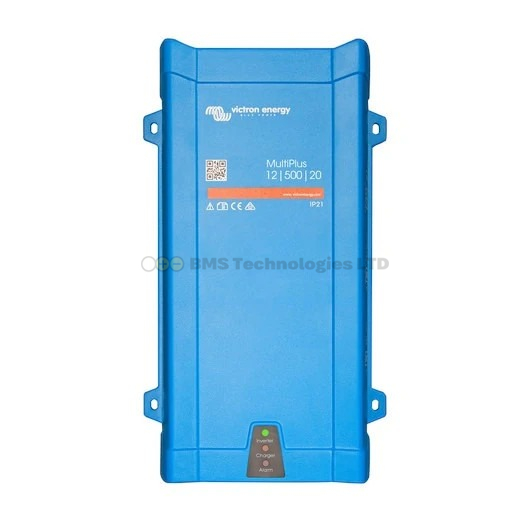
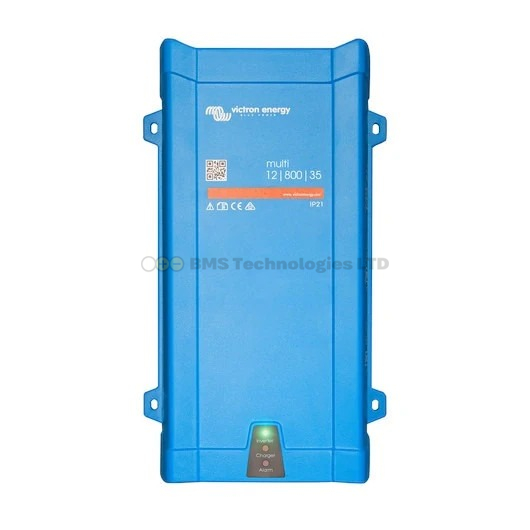
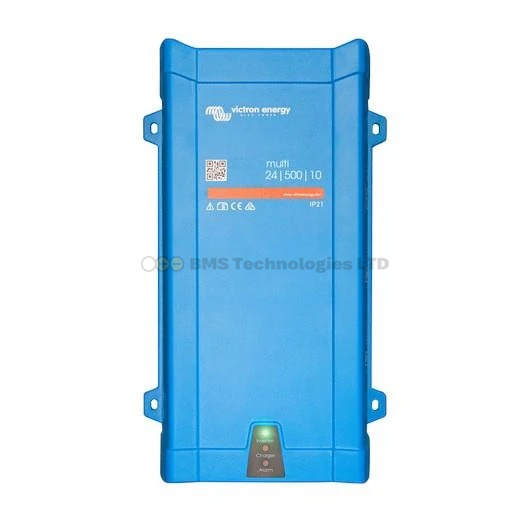
| MultiPlus 800VA | 1 kW | 2 kW |
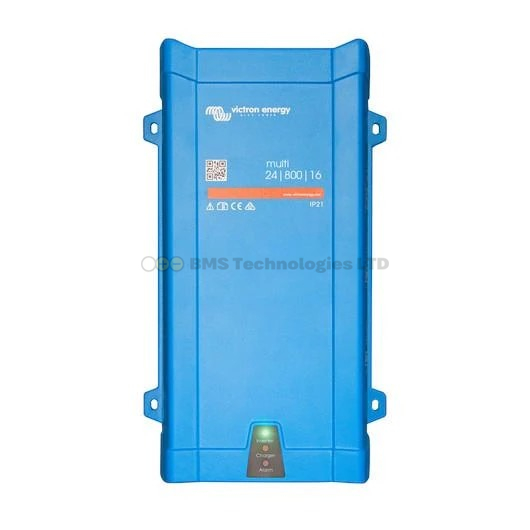
| MultiPlus 1600VA | 2 kW | 3 kW |
| MultiPlus 3000VA | 3 kW | 4–5 kW |
| MultiPlus 5000VA | 5 kW | 6–7 kW |
| Quattro 5000VA | 5 kW | 6–7 kW |
The "recommended" size gives comfortable headroom for simultaneous charging and powering AC loads. The "minimum" assumes charging only with minimal passthrough loads.
Common Generator Problems
"MultiPlus Won't Accept Generator"
The unit shows "AC Input: disconnected" even though the generator is running and connected.
- Check that the generator's frequency and voltage are within the MultiPlus's acceptance range.
- Enable weak AC / wide frequency range mode.
- Some very cheap generators produce such poor quality AC that the MultiPlus cannot synchronise. Try an inverter generator instead.
"Generator Stalls When MultiPlus Connects"
The sudden load when the MultiPlus activates its charger can overload a small generator.
- Enable the dynamic current limiter to soften the connection.
- Reduce the input current limit.
- Reduce the charge current.
- Ensure the generator is warmed up (run for 1–2 minutes under light load) before the MultiPlus connects.
"Charging Is Very Slow from Generator"
If the charge current is much lower than expected:
- Check the input current limit — it may be set too low.
- Check the charge current limit in the MultiPlus settings.
- With PowerAssist enabled, the MultiPlus may be allocating more power to passthrough loads than to charging. Reduce AC loads during dedicated charge sessions.
Summary
Configuring a Victron MultiPlus for generator use requires widening the AC input acceptance range (frequency and voltage), setting appropriate input current limits (80% of generator rated output), enabling the dynamic current limiter, and optionally configuring auto-start via a Cerbo GX. Inverter generators work best due to their cleaner power output. Always size the generator larger than the MultiPlus's continuous rating to avoid overload stalling.