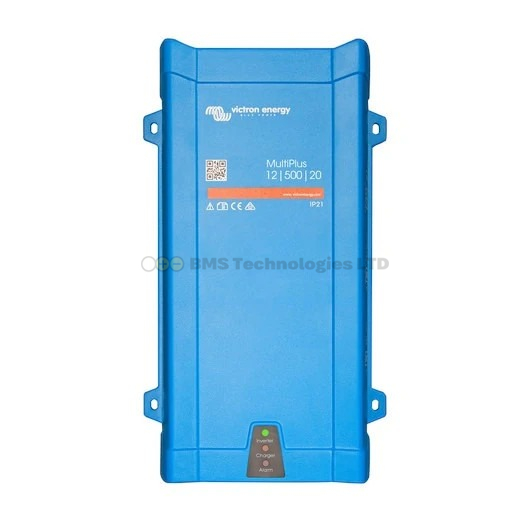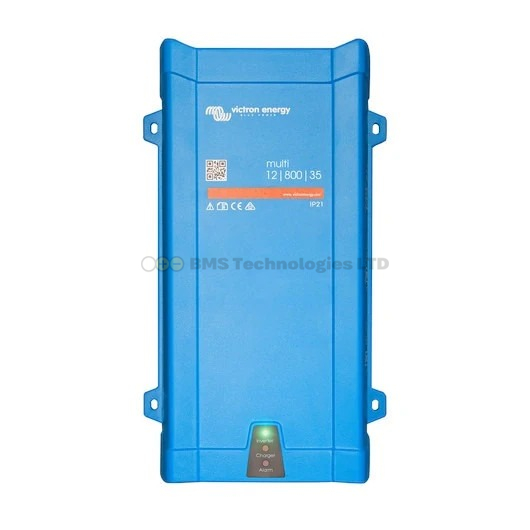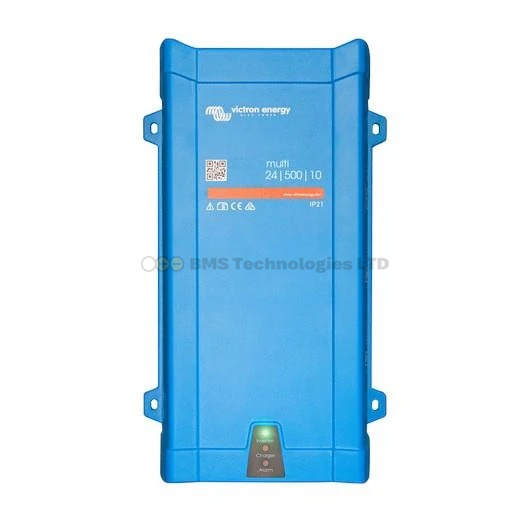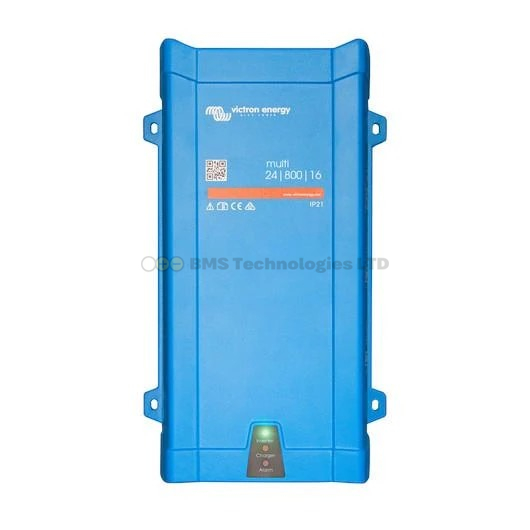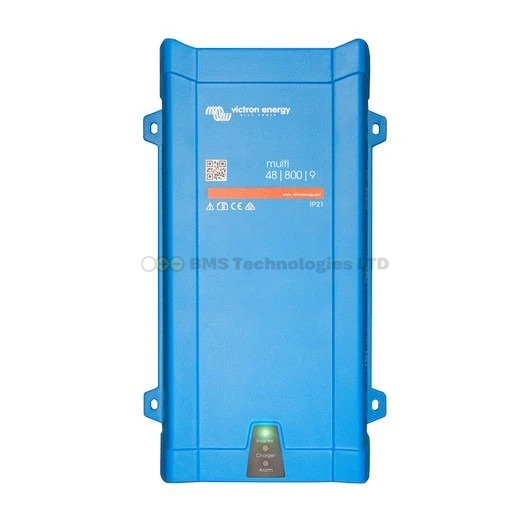
VE.Bus error codes on your Victron MultiPlus, MultiPlus-II, or Quattro can stop your inverter/charger from working. Some are simple fixes, others indicate serious problems. This guide covers every common error code with plain-English explanations and step-by-step troubleshooting.
Where to Find VE.Bus Errors
VE.Bus error codes appear in several places depending on your system:
- GX device (Cerbo GX, GX Touch, Color Control GX) — shown on the device list and notifications page
- VRM portal — visible in the Advanced tab and alarm log
- VEConfigure software — connected via MK3-USB adapter
- LED indicators — the LEDs on the MultiPlus itself blink in specific patterns to indicate errors
Note: The MultiPlus does not have Bluetooth. You cannot see VE.Bus errors in VictronConnect unless you have a GX device or MK3 adapter.
VE.Bus Error Code Reference
| Error | Name | Severity | Quick Fix |
|---|---|---|---|
| VE.Bus Error 1 | Device switched off | Info | Check the physical on/off switch |
| VE.Bus Error 2 | Mixed old and new MK2 | Config | Update all devices to same firmware |
| VE.Bus Error 3 | Expected devices not found | Config | Check VE.Bus cable connections |
| VE.Bus Error 4 | No other device found | Config | VE.Bus cable issue in parallel/3-phase system |
| VE.Bus Error 5 | Pre-charge fault | Warning | Check battery connection, then restart |
| VE.Bus Error 6 | Ground relay test failed | Critical | Safety issue — do not ignore |
| VE.Bus Error 7 | Backfeed relay test failed | Critical | Safety issue — do not ignore |
| VE.Bus Error 8 | Phase rotation wrong | Config | Three-phase wiring error |
| VE.Bus Error 10 | System time synchronisation problem | Config | Check VE.Bus cables and firmware versions |
| VE.Bus Error 11 | Relay test fault | Critical | Internal relay failure |
| VE.Bus Error 14 | Device cannot transmit | Config | VE.Bus communication problem |
| VE.Bus Error 16 | Awaiting power | Info | Dongle mode — waiting for DIP switch config |
| VE.Bus Error 17 | Slave mode | Info | Normal in parallel/3-phase systems |
| VE.Bus Error 22 | DC voltage too low for inverting | Warning | Battery voltage below minimum |
| VE.Bus Error 24 | Switch over too high current | Warning | High current during transfer switch operation |
Most Common Errors and Solutions
Overload (LED Blinks Rapidly)
The most common issue. The MultiPlus has shut down because the AC load exceeds its rated capacity.
Causes:
- Running too many appliances simultaneously
- An appliance with a high startup surge (washing machine motor, air compressor)
- Short circuit on the AC output wiring
Fix:
- Reduce the load — turn off some appliances and restart the MultiPlus.
- If a single appliance causes overload at startup, check its surge rating. You may need a larger inverter or a soft-starter for the appliance.
- If the overload occurs with no obvious load, check for wiring faults or a defective appliance causing excessive current draw.
VE.Bus Error 5: Pre-Charge Fault
The internal capacitors failed to charge to the expected voltage during startup. This usually indicates a problem with the DC (battery) connection.
Fix:
- Check that the battery is connected and has adequate voltage (at least 10.5V for 12V systems, 21V for 24V).
- Check for loose or corroded battery terminal connections.
- Ensure the battery fuse hasn't blown.
- If the error persists with good battery connections, the unit may have an internal fault — contact your dealer.
VE.Bus Error 6: Ground Relay Test Failed
This is a safety-critical error. The MultiPlus tests its ground relay at startup. If the test fails, the unit will not operate.
Causes:
- Ground relay stuck or failed
- External wiring connecting neutral and earth on the output side (preventing the relay from switching)
- A residual current device (RCD) on the output wired incorrectly
Fix:
- Disconnect all AC output loads and try restarting.
- Check that there's no neutral-earth link on the AC output side of the MultiPlus.
- If the error clears with loads disconnected, add loads back one at a time to identify the problematic circuit.
- If the error persists with everything disconnected, the internal ground relay may have failed — the unit needs repair.
VE.Bus Error 22: DC Voltage Too Low
The battery voltage has dropped below the MultiPlus's minimum operating voltage. The unit cannot safely invert.
Fix:
- Check battery state of charge — is the battery genuinely depleted?
- Check for excessive voltage drop in battery cables. Measure voltage at the MultiPlus terminals while under load. If it's significantly lower than at the battery, your cables are too thin or connections are poor.
- Ensure your battery bank is adequately sized for the inverter load.
- For lithium batteries, check that the BMS hasn't disconnected due to low cell voltage.
Overtemperature Shutdown
The MultiPlus has shut down because its internal temperature exceeded the safe operating range. It will restart automatically once cooled.
Fix:
- Ensure adequate ventilation around the unit — at least 15cm clearance above and below for natural airflow.
- In hot engine rooms or enclosed spaces, add active ventilation (a 12V fan extracting hot air).
- Reduce continuous load if the MultiPlus is consistently running near its rated capacity in hot conditions.
- Clean any dust from the ventilation grilles.
LED Blink Codes
When the MultiPlus encounters an error without a GX device connected, it communicates via LED patterns:
| Pattern | Meaning |
|---|---|
| All LEDs on | Normal operation (inverting) |
| Green "Mains" LED on | Passthrough/charging from AC input |
| Red "Overload" LED on | Overload — reduce AC load |
| Red "Overload" flashing rapidly | Short circuit detected |
| Yellow "Absorption" LED blinking | Temperature warning — output being reduced |
| All LEDs blinking together | VE.Bus error — connect to GX or VEConfigure to read code |
| All LEDs off | Unit switched off or no DC power |
When to Contact a Professional
Some VE.Bus errors indicate internal hardware faults that cannot be resolved by the user:
- Error 6/7/11 persisting after disconnecting all loads — internal relay failure
- Error 5 persisting with known-good battery — internal capacitor or power stage issue
- Repeated overload with loads well below rated capacity — internal component degradation
Contact your Victron dealer for warranty assessment. Do not attempt to open or repair the MultiPlus yourself — it contains high-voltage capacitors that can hold dangerous charge even when disconnected.
Summary
Most VE.Bus errors are caused by installation issues — overloaded outputs, poor battery connections, inadequate ventilation, or wiring faults. Overload and overtemperature are the most frequent, both solved by reducing loads and improving airflow. Ground relay errors (Error 6/7) are safety-critical and should never be ignored. For persistent errors that don't resolve with basic troubleshooting, contact a Victron dealer for professional diagnosis.