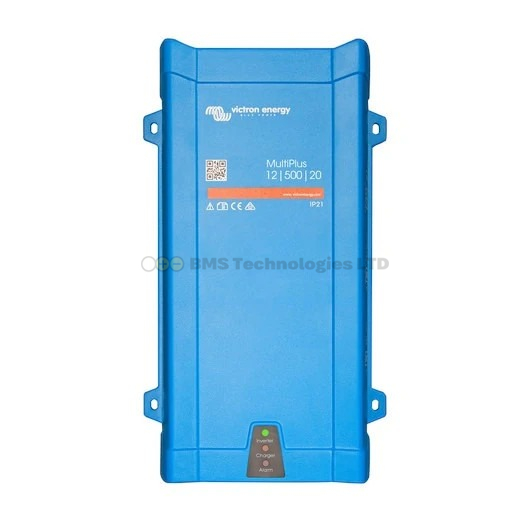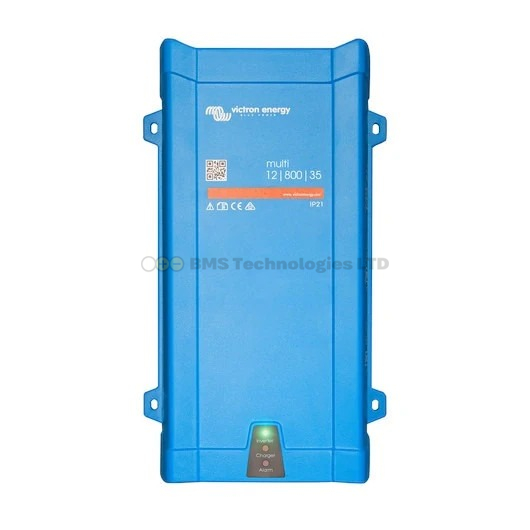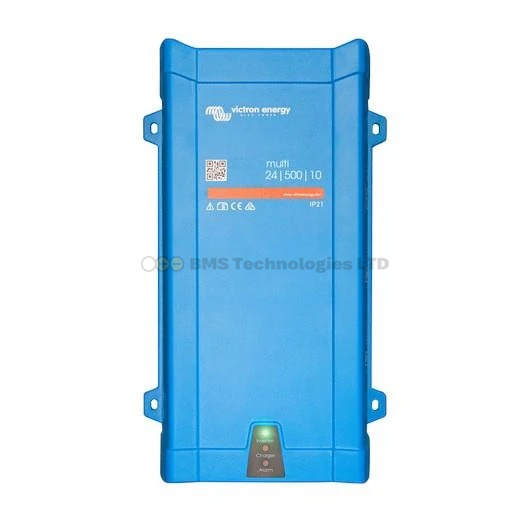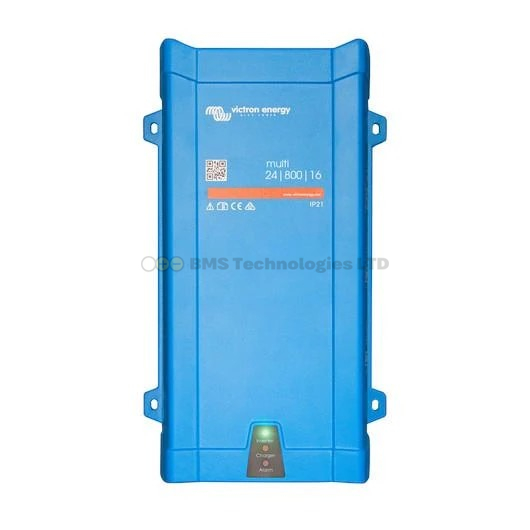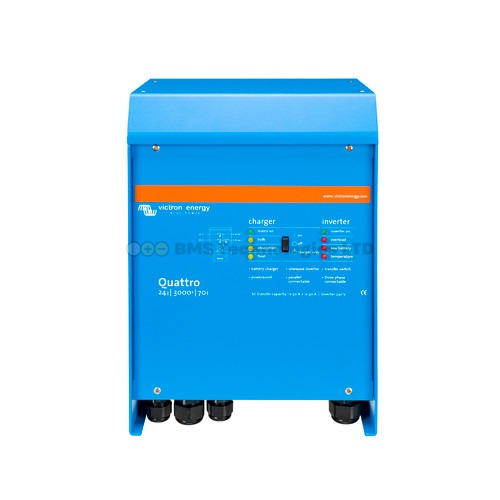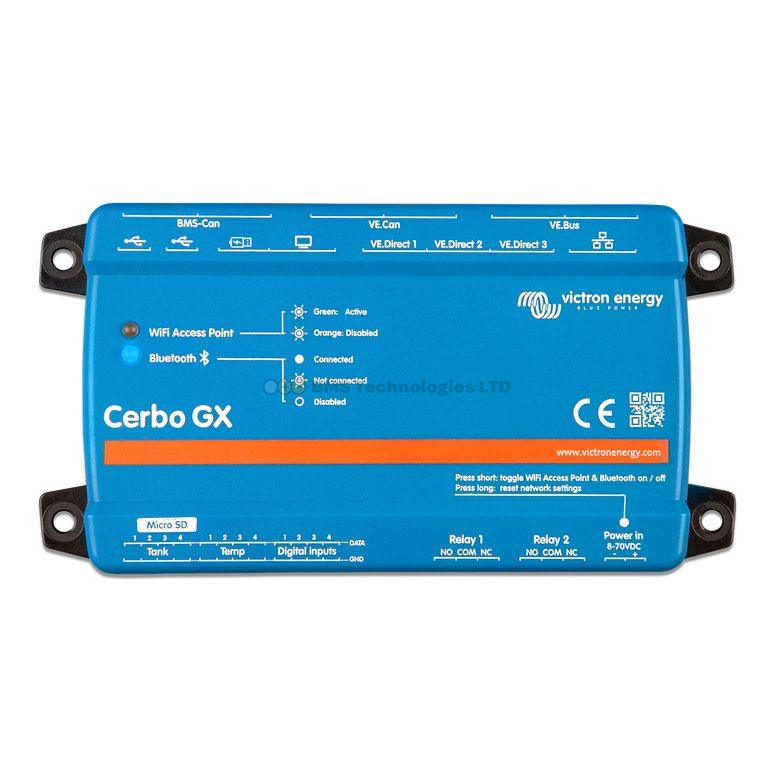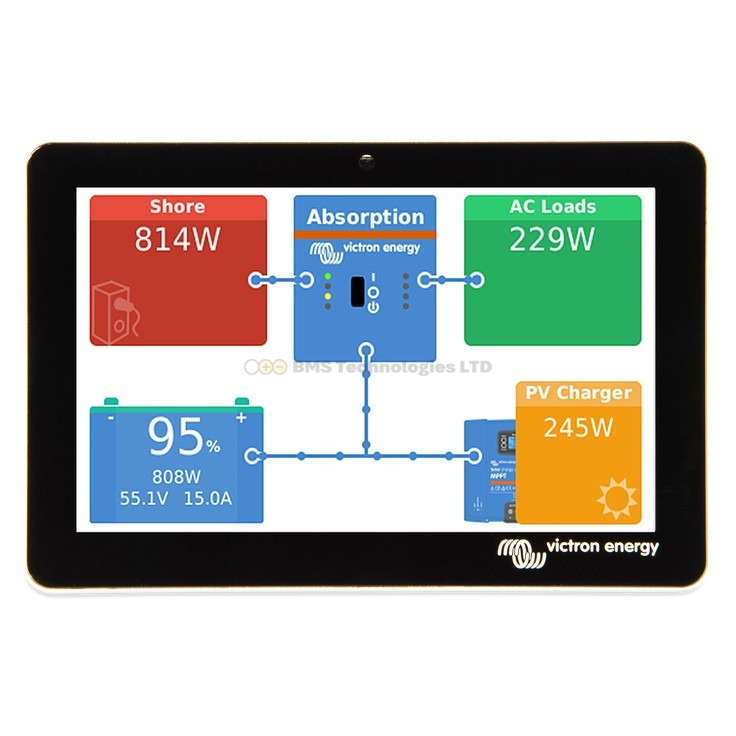
A backup generator is an essential part of most serious off-grid Victron installations in the UK. Winter solar output is too low and unpredictable to rely on alone, and a generator provides a reliable safety net when batteries run low. Victron's MultiPlus and Quattro inverter/chargers are designed to integrate seamlessly with generators, and the Cerbo GX can even start and stop the generator automatically. This guide covers everything you need to know.
Why You Need a Generator in a UK Off-Grid System
UK off-grid systems face a fundamental challenge: the months when you need the most energy (dark, cold winters) are the months when solar produces the least. A well-sized solar array might generate 5-6 kWh per day in June but only 0.3-0.5 kWh in December. Without a generator, you would need an absurdly large battery bank to bridge multi-day overcast periods in winter.
A generator costing £500-£2,000 can replace £5,000-£10,000 worth of additional batteries and solar panels. It is the most cost-effective component in any year-round UK off-grid system. For help sizing your overall system, see our off-grid sizing guide.
How the MultiPlus/Quattro Works with a Generator
The Victron MultiPlus and Quattro have a built-in transfer switch and battery charger. When a generator is connected to the AC input:
- The transfer switch detects AC power from the generator and accepts it (typically within 20 milliseconds)
- The built-in charger begins charging the battery bank at the configured rate
- Simultaneously, the generator powers household AC loads directly through the MultiPlus (passthrough mode)
- If household loads exceed the generator's capacity, the MultiPlus can supplement from the battery (PowerAssist)
- When the battery reaches the target SOC or the generator stop condition is met, the generator shuts down and the system reverts to battery/inverter operation
MultiPlus vs Quattro for Generator Systems
The key difference: the Quattro has two AC inputs, meaning it can be connected to both a generator and the grid (or two different generators). It automatically prioritises the first input (typically grid) and switches to the second (generator) when the first is unavailable.
For a pure off-grid system with just a generator, a MultiPlus is sufficient. If you have occasional grid access or want to connect two different AC sources, choose the Quattro.
Generator Types and Compatibility
Conventional Petrol/Diesel Generators
Standard frame generators with a mechanical AVR (automatic voltage regulator) work well with Victron equipment. Look for generators that produce a clean sine wave output. Most quality brands (Honda, Hyundai, SDMO, Pramac) are compatible. Avoid the cheapest imported generators — poor voltage regulation and frequency stability can cause the MultiPlus to reject the input.
Inverter Generators
Inverter generators (Honda EU series, Hyundai P-series) produce very clean power with low total harmonic distortion (THD). They are quieter and more fuel-efficient at partial load, making them excellent for battery charging. A 3 kVA inverter generator can charge a 48V battery bank at 2-2.5 kW while simultaneously running household loads.
Two-Wire vs Four-Wire Generators
This is a critical compatibility point that catches many people out:
- Four-wire generators (L, N, E, and a separate bond between N and E inside the generator) — the standard in most UK portable generators. The neutral is bonded to earth within the generator. These work with Victron in the default configuration
- Two-wire generators (L and N only, with a floating neutral) — common in some smaller generators and many builders' generators. The neutral is not referenced to earth. The MultiPlus can work with these, but you may need to configure the ground relay setting in VictronConnect
Check the ground relay setting on your MultiPlus. When set to "on" (the default for most off-grid installations), the MultiPlus bonds neutral to earth on its AC output when running on inverter. When the generator starts and AC input is accepted, the MultiPlus opens this relay so that the generator's own N-E bond takes over. If your generator has a floating neutral, the ground relay must remain closed — consult Victron's documentation for your specific configuration.
AC Input Current Limit
The AC input current limit is arguably the most important setting for generator integration. It tells the MultiPlus the maximum current it may draw from the AC input (generator). If set too high, the generator overloads and either stalls or trips its overload protection. If set too low, charging is slower than necessary.
Setting the Correct Limit
A generator's rated output in kVA does not translate directly to available charging current. A 3 kVA generator produces approximately 13A at 230V, but you should not run it continuously at 100% load. Set the AC input current limit to 70-80% of the generator's rated current:
| Generator Rating | Max Output (230V) | Recommended AC Input Limit |
|---|---|---|
| 2 kVA | 8.7A | 6-7A |
| 3 kVA | 13A | 10-11A |
| 5 kVA | 21.7A | 16-17A |
| 7 kVA | 30.4A | 23-24A |
| 10 kVA | 43.5A | 32-35A |
The MultiPlus will limit its battery charging current to stay within this AC input limit while also accounting for any passthrough loads. If the household is drawing 5A and the limit is 10A, only 5A is available for battery charging.
You can configure the AC input current limit via VictronConnect (Bluetooth), the GX device, or the VRM portal. It can also be adjusted dynamically — some users set a lower limit during the day (when they want quiet) and a higher limit during generator runs.
Auto-Start with Cerbo GX
The Cerbo GX can automatically start and stop a generator based on configurable conditions. This is one of the most powerful features for off-grid living — the generator runs only when needed, without manual intervention.
Wiring the Auto-Start Relay
The Cerbo GX has a built-in relay (Relay 1) that can be configured for generator start/stop. This relay provides a dry contact (no voltage — it simply closes or opens a circuit). Connect it to your generator's two-wire remote start input.
Most generators with electric start have a remote start connector or can be modified to accept one. The Cerbo relay replaces the physical start button — when the relay closes, the generator starts; when it opens, the generator stops.
For generators without a built-in remote start capability, third-party auto-start modules are available that handle the starting sequence (preheat, crank, verify running, retry on failure) and accept a simple on/off signal from the Cerbo.
Generator Start/Stop Conditions
On the Cerbo GX, navigate to Settings > Generator Start/Stop. Available conditions include:
- Battery SOC — the most commonly used condition. Set a start SOC (e.g., 30%) and a stop SOC (e.g., 85%). The generator starts when battery SOC drops to 30% and runs until SOC reaches 85%
- Battery voltage — start when voltage drops below a threshold and stop when it recovers. Useful as a backup condition if SOC measurement is unreliable
- AC load demand — start the generator when household load exceeds what the battery/inverter can deliver. Useful for high-demand periods
- Time-based — run the generator at specific times regardless of SOC. Useful for planned heavy-load activities (laundry, water heating) or regular equalisation charges for lead-acid batteries
- Manual override — start/stop from the GX device touch screen or VRM portal
You can combine conditions with AND/OR logic. A typical configuration: start on SOC below 30% OR battery voltage below 47V (for a 48V system), stop on SOC above 85%.
Quiet Hours
The Cerbo has a quiet hours setting that prevents auto-start during specified times (e.g., 22:00 to 07:00). During quiet hours, the generator will not start unless the battery reaches a critical "do not discharge" threshold that you configure separately. This keeps the peace with neighbours in rural settings.
Generator Sizing for Battery Charging
Matching the generator size to your MultiPlus charger is important for fuel efficiency:
- Undersized generator — the MultiPlus limits charging to what the generator can supply. Charging takes longer but the generator runs at optimal load (best fuel efficiency). Not necessarily a bad choice
- Oversized generator — the MultiPlus charges at its maximum rate but the generator runs at low load percentage, wasting fuel. Diesel generators in particular suffer from wet-stacking (carbon buildup) when run consistently below 40% load
- Right-sized generator — the generator runs at 60-80% load during charging. Best fuel efficiency and longest generator life
For a MultiPlus-II 48/3000/35 (35A charger = approximately 1,700W of charging power), a 3 kVA generator is ideal. This allows 1,700W for charging plus roughly 800W of passthrough for household loads, keeping the generator at around 80% load.
Fuel Efficiency Tips
- Run the generator hard, not long — charge at the maximum rate your generator can sustain. A short, high-output run is more fuel-efficient than a long, low-output trickle
- Use absorption sparingly — the bulk phase of charging (constant current) is efficient. The absorption phase (reducing current at constant voltage) draws decreasing power from the generator while it still runs at fixed RPM. For lithium batteries, the absorption phase is very short. For lead-acid, consider stopping the generator at 80-85% SOC and letting solar finish the charge
- Service the generator regularly — dirty air filters, old spark plugs, and stale fuel all reduce efficiency. Change the oil every 50-100 hours of running
- Store fuel properly — petrol degrades within 3-6 months. Use fuel stabiliser for long-term storage. Diesel is more stable but can develop bacterial growth in the UK's damp climate — add biocide
- Choose the right fuel — diesel generators are more fuel-efficient for systems that run frequently (daily in winter). Petrol generators are cheaper to buy and better for occasional use. LPG generators offer clean combustion and long fuel storage life but slightly lower power output
Wiring and Safety
Generator Connection
Connect the generator to the AC IN terminal of the MultiPlus or Quattro using appropriately rated cable. For portable generators, a commando connector (BS EN 60309, blue 230V 16A or 32A) is the standard industrial connector in the UK. Do not use standard 13A domestic plugs for generator connections above 3 kW.
Earth Bonding
In a UK off-grid installation, the system earth must be properly configured. When the generator is running and feeding the MultiPlus, the earthing arrangement depends on the generator type (TN-S, TN-C-S, or IT). Consult a qualified electrician familiar with both BS 7671 and off-grid systems. Incorrect earthing can result in electric shock or failure of RCD protection.
Exhaust and Ventilation
Generators must be positioned outdoors or in a well-ventilated, dedicated enclosure. Carbon monoxide poisoning is a genuine risk. In the UK, purpose-built generator housings with sound insulation and forced ventilation are available and recommended for permanent installations. Ensure exhaust gases are directed away from any building air intakes.
Monitoring Generator Performance
With a Cerbo GX and VRM, you can monitor:
- Generator run hours — tracked automatically for maintenance scheduling
- Energy generated — how many kWh the generator has contributed
- Start/stop events — a log of when and why the generator started and stopped
- Fuel consumption — estimated if you enter your generator's consumption rate in litres per hour
Over time, this data helps you optimise the system. If the generator runs every day in December, you might consider adding more battery capacity or solar panels to reduce runtime. If it only runs a few times per winter, the current setup is well balanced. See our VRM monitoring guide for more on using the data effectively.
Common Generator Integration Problems
- MultiPlus rejects generator input — usually caused by poor voltage regulation or frequency instability from the generator. Check that the generator produces stable 230V/50Hz. In VictronConnect, you can widen the AC input acceptance range (lower minimum voltage, wider frequency tolerance), but do so cautiously
- Generator stalls under load — the AC input current limit is set too high. Reduce it by 2-3A and retest
- Generator hunts (surges) — some generators struggle when the MultiPlus charger ramps up quickly. Enable the "Dynamic current limiter" in VictronConnect. This makes the MultiPlus increase its charge current gradually rather than stepping to the full limit immediately
- Auto-start fails — check the Cerbo relay wiring, generator battery charge, and fuel level. The Cerbo logs will show whether it attempted to start and what happened