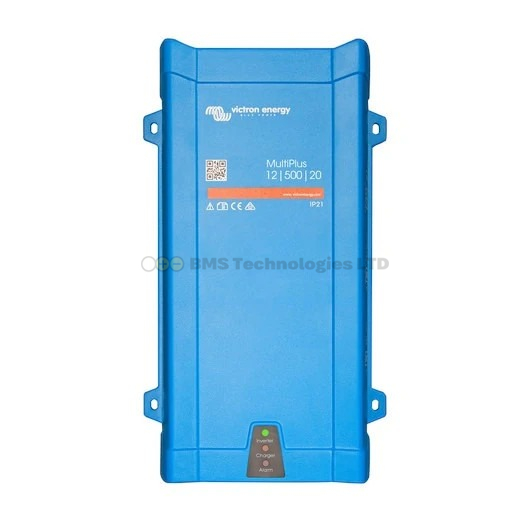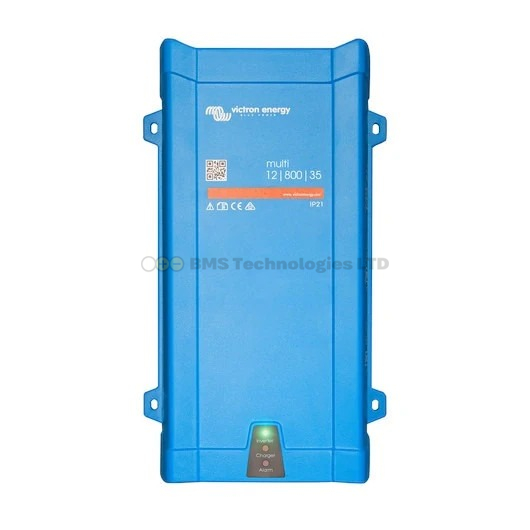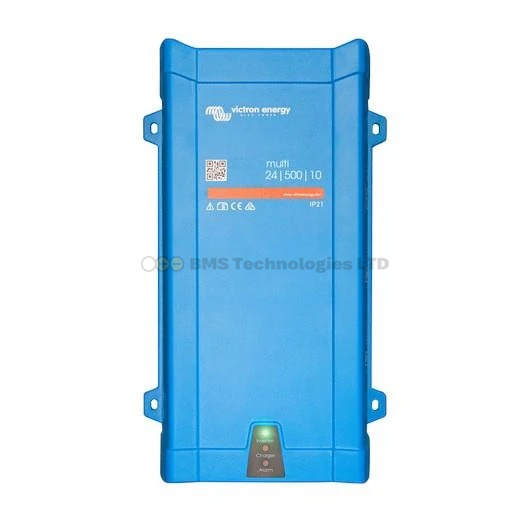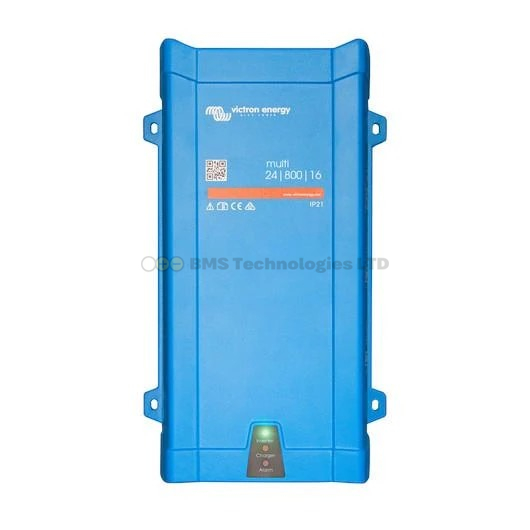
Victron's "Wiring Unlimited" is the company's official design guide for DC system wiring — a free book that covers cable sizing, fuse selection, bus bar layout, and wiring best practices for every type of Victron installation. At over 80 pages, it is dense reading. This guide summarises the key takeaways that every DIY builder needs to know, with practical rules you can apply immediately. We strongly recommend downloading the full book from Victron Energy's website for reference during your build.
Why Wiring Matters More Than You Think
Poor wiring is the single most common cause of system problems, reduced performance, and — in worst cases — fires. A perfectly good MultiPlus connected with undersized cables will overheat, trip on low voltage, and potentially damage itself. Victron's engineers wrote Wiring Unlimited specifically because they saw the same mistakes repeatedly in warranty claims and support tickets. The book's core message: spend as much time planning your wiring as you do choosing your components.
Cable Sizing: The Fundamental Rule
Voltage Drop Is Your Enemy
Every cable has resistance. Current flowing through that resistance creates a voltage drop. In a 12V system, losing even 0.5V in a cable run means losing over 4% of your available voltage — and that percentage matters. Victron recommends keeping voltage drop below 2% on the main DC bus between batteries and inverter/charger.
How to Size Cables
The Wiring Unlimited book provides detailed tables, but the simplified process is:
- Determine maximum current — check the product datasheet for the maximum DC current draw
- Measure cable length — measure the total round-trip distance (positive cable + negative cable)
- Look up the minimum cross-section — using Victron's tables or standard cable sizing calculators for copper conductors at the appropriate temperature rating
- Round up — always go one size larger than the minimum calculation suggests. This provides margin for temperature, ageing, and connection resistance
Quick Reference: Common Cable Sizes
| Application | Typical Current | Recommended Cable (12V system) | Max Length (round trip) |
|---|---|---|---|
| MultiPlus 12/3000 to battery | Up to 300A | 70mm2 or 2x 50mm2 per pole | 2m |
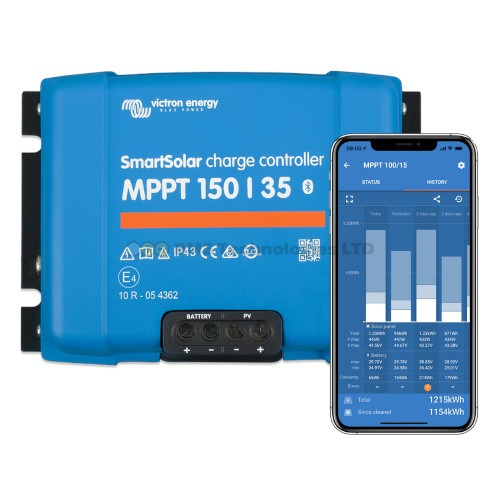
| MPPT 150/35 to battery | 35A | 10mm2 | 4m |
| MPPT 250/100 to battery | 100A | 35mm2 | 3m |
| SmartShunt to battery | Varies (measurement cable) | 16mm2 minimum for shunt cables | 1m |
| DC loads distribution | Varies per circuit | Sized per circuit breaker rating | Varies |
These are guidelines. Always verify against the product's installation manual and the Wiring Unlimited tables for your specific cable length.
Bus Bar Layout
What Is a Bus Bar?
A bus bar is a solid copper or brass bar used as a central connection point for multiple cables. Rather than connecting every device directly to the battery terminals (creating a rat's nest of cables), you connect the battery to a bus bar and then connect each device to the bus bar. Victron's Lynx Distributor is essentially a bus bar system with integrated fuse holders.
Key Bus Bar Rules from Wiring Unlimited
- Keep bus bars as close to the batteries as possible — the cable run from battery to bus bar carries the highest current and should be the shortest
- Use equal-length cables from the bus bar to parallel batteries — unequal lengths cause unequal current sharing, which ages batteries unevenly
- Separate positive and negative bus bars — never use a single bus bar for both polarities. Maintain adequate clearance between them
- Torque connections properly — loose connections cause heat, resistance, and eventually fire. Use a torque wrench on all bus bar bolts
Fuse Placement
The Golden Rule: Fuse at the Source
Every cable connected to a battery (or bus bar connected to a battery) must be fused as close to the battery positive terminal as physically possible. The fuse protects the cable, not the device. If a cable shorts anywhere along its length, the fuse blows before the cable catches fire.
What to Fuse
- Every positive cable leaving the battery bank — including the cable to the inverter/charger, MPPT controllers, DC distribution panel, and any other loads
- The battery bank main positive — a Class T or MEGA fuse between the battery and the main bus bar
- Individual device cables — each device connected to the bus bar should have its own appropriately sized fuse
Fuse Sizing
Size fuses to protect the cable, not the device. The fuse rating should be:
- Higher than the maximum continuous current the device will draw
- Lower than the cable's maximum current rating (ampacity)
- Appropriate for the fault current — batteries can deliver thousands of amps in a short circuit. Use fuses rated for the available fault current (typically Class T or MEGA fuses for main battery connections)
Common Fuse Types in Victron Systems
| Fuse Type | Typical Use | Voltage Rating |
|---|---|---|
| Class T / MEGA | Main battery fuse, inverter supply | Up to 80V DC (check rating) |
| MIDI / AMI | MPPT controllers, DC-DC chargers | Up to 58V DC typically |
| ATC/ATO blade fuses | Small DC loads (lighting, USB) | Up to 32V DC |
| NH / DIN fuses | Larger commercial installations | Various, check specific rating |
Critical point: always check the fuse's DC voltage rating. Many automotive fuses are only rated for 32V DC. Using them on a 48V battery bank is dangerous — they may not break the arc during a fault.
Parallel Battery Wiring
Equal Cable Lengths Are Non-Negotiable
When connecting batteries in parallel, the cable from each battery to the bus bar must be the same length and same cross-section. If one battery has a shorter cable run, it has lower resistance, so it takes more than its fair share of current. Over time, this unequal loading degrades that battery faster and reduces the overall bank capacity.
The Cross-Diagonal Method
For the main system cables (to the inverter/charger), Wiring Unlimited recommends connecting the positive to one end of the parallel bank and the negative to the other end. This cross-diagonal approach equalises the total cable resistance path through each battery, improving current sharing. For example, in a bank of four parallel 12V batteries arranged left to right, connect the main positive to the leftmost battery's positive terminal and the main negative to the rightmost battery's negative terminal.
Midpoint Monitoring
For series battery strings (e.g., two 12V batteries in series for a 24V system), Victron recommends midpoint voltage monitoring. This measures the voltage at the junction between the two batteries. In a healthy bank, the midpoint should be exactly half the total voltage. If one battery is weaker or a connection is poor, the midpoint drifts — triggering an alarm on the GX device.
Connect a midpoint monitoring wire from the junction between the series batteries to the GX device's battery monitor input (or to a dedicated midpoint monitoring device). Set the alarm threshold in the GX settings — typically 1-2% deviation from the expected midpoint voltage.
Temperature Compensation
Battery charging voltages need to be adjusted for temperature. Lead-acid batteries require lower charge voltage when warm and higher when cold. Victron chargers and MPPT controllers support automatic temperature compensation when connected to a temperature sensor. The Wiring Unlimited book specifies the standard compensation coefficient: -16.2 mV per cell per degree Celsius for lead-acid batteries (relative to 25 degrees C).
For lithium (LiFePO4) batteries, temperature compensation is generally not applied to charging voltage. However, temperature sensing remains important for low-temperature charge cut-off — charging lithium below 5 degrees C can damage the cells. The Victron Smart BMS handles this automatically when a temperature sensor is connected.
Common Wiring Patterns
Simple Off-Grid System
Battery bank connects to a main bus bar (or Lynx Distributor). From the bus bar: one fused cable to the MultiPlus, one to the MPPT controller, one to the DC distribution panel. The SmartShunt sits in the negative cable between the battery bank and the negative bus bar, measuring all current flowing in and out.
Marine or Vehicle System
Similar to above, but with the addition of an Orion-Tr DC-DC charger connected between the starter battery and the house battery bus bar. The DC-DC charger's input connects to the starter battery (fused at the starter battery). Its output connects to the house bus bar (fused at the bus bar).
Larger Lynx-Based System
For systems above 3000W, Victron recommends the Lynx system: Lynx Power In (battery connection with main fuse) feeds into the Lynx Distributor (fused outputs for each device), with a Lynx Shunt for battery monitoring. These units clip together on a DIN rail, creating a neat, organised power distribution backbone.
Tools You Will Need
- Crimping tool — hydraulic crimpers for large lugs (35mm2 and above). Hammer-style crimpers are inadequate for high-current connections
- Torque wrench — for tightening bus bar and terminal connections to the specified torque (check the Wiring Unlimited tables)
- Wire strippers — sized for your cable cross-sections
- Heat shrink — always insulate crimped lugs with adhesive-lined heat shrink
- Multimeter — for checking voltages and verifying connections before powering up
- Cable labels — label every cable with its source, destination, and fuse size. Future you will be grateful
Where to Download Wiring Unlimited
The full Wiring Unlimited book is available as a free PDF from Victron Energy's website. Search for "Wiring Unlimited" on victronenergy.com or find it in the "Technical Information" section of their downloads page. It is updated periodically, so always download the latest version before starting a build.
For specific product wiring details, also download the installation manual for each Victron product you are using — these contain product-specific cable sizing tables and terminal torque specifications that supplement the general rules in Wiring Unlimited.
To put these wiring principles into practice, see our product naming guide to identify the right products, our IP ratings guide for enclosure selection, and use the price comparison tool to find the best UK prices on cables and accessories.