The Victron Cerbo GX is one of those components that seems optional until you understand what it does — and then it suddenly feels essential. If you are building a Victron system and wondering whether to spend the extra money on a Cerbo GX, this guide explains what it is, what it does, and when you genuinely need one.
What Is the Cerbo GX, in Plain English?
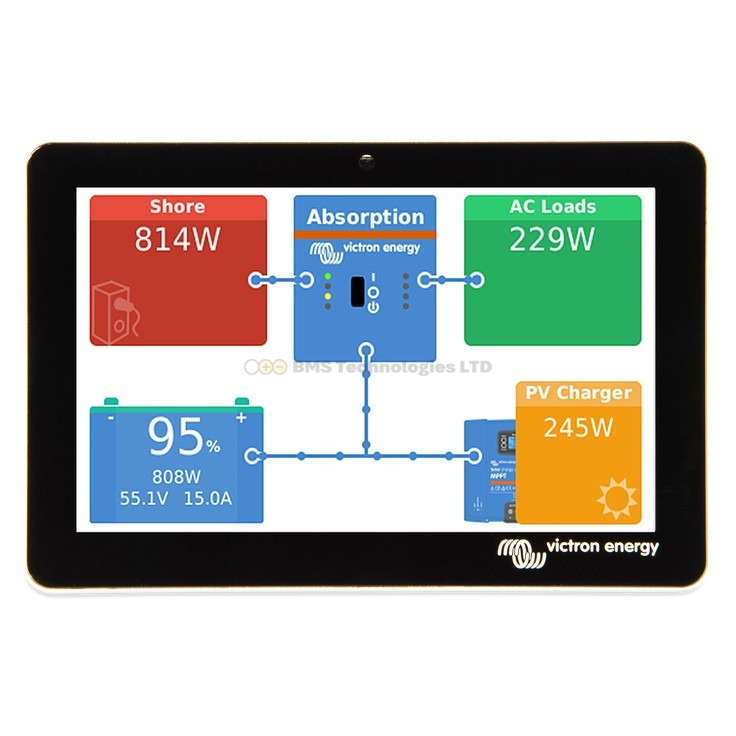
The Cerbo GX is the central brain of a Victron system. It connects to your inverter, charge controller, battery monitor, and batteries, then pulls all that data together into one place. It gives you a single dashboard showing everything happening in your system — solar production, battery state of charge, power consumption, grid import/export — and lets you control settings remotely.
Think of it as the difference between having separate gauges for fuel, speed, and engine temperature versus having a single car dashboard. Each Victron component can show its own data individually, but the Cerbo GX combines it all and adds intelligence on top.
What Does It Actually Do?
1. System Monitoring
The Cerbo GX collects data from every connected Victron device and displays it in real time. You can see at a glance:
- How much solar power you are generating right now
- What your battery state of charge is
- How much power your home or vehicle is consuming
- Whether you are importing from or exporting to the grid
- The status of every connected device — charging, inverting, idle, error
2. VRM Cloud Access
Connect the Cerbo GX to the internet (via Ethernet or WiFi) and it uploads your system data to the Victron Remote Management (VRM) portal. VRM is a free web dashboard that lets you monitor your system from anywhere — your phone, laptop, or tablet. You can see live power flow, historical energy data, and receive email or push notifications for alarms.
VRM also allows remote configuration. Change your inverter settings, update firmware, adjust charge parameters — all from your sofa or from the other side of the world. This is particularly valuable for holiday homes, boats, or rental properties.
3. DVCC (Distributed Voltage and Current Control)
DVCC is arguably the most important technical feature. It enables the Cerbo GX to coordinate charging and discharging across all connected devices based on what the battery's BMS (Battery Management System) is requesting. Without DVCC:
- Your MPPT charge controller sets its own charge voltage independently
- Your inverter/charger sets its own charge voltage independently
- If the battery BMS wants to reduce charge current (because a cell is nearly full or too cold), neither the MPPT nor the inverter knows about it
With DVCC, the Cerbo GX reads the battery BMS via CAN bus and tells the MPPT and inverter exactly how much current to deliver. This is essential for lithium batteries and is strongly recommended for any system with more than one charging source.
4. ESS Mode (Grid-Tied Energy Storage)
If you want to run a grid-connected battery system — storing solar for self-consumption, doing scheduled charging from cheap tariffs, or providing backup power — you need ESS mode. ESS mode runs exclusively on the GX device. Without a Cerbo GX (or equivalent), you cannot use ESS.
5. Generator Auto-Start
The Cerbo GX has a built-in relay that can automatically start and stop a generator based on battery SOC, voltage, load, or time. For off-grid systems with a backup generator, this removes the need to manually start the generator every time batteries run low.
6. System Configuration
Many advanced Victron settings are only accessible via the GX device — including ESS configuration, DVCC settings, relay programming, and system type selection (ESS, off-grid, marine). While basic device settings are available through VictronConnect over Bluetooth, system-level configuration requires a GX device.
What Can You Do Without a Cerbo GX?
Not every Victron system needs a GX device. Here is what you can do with just VictronConnect (the free Bluetooth app):
- Monitor individual devices — see the status of your MPPT, inverter, or battery monitor one at a time via Bluetooth
- Configure device settings — change charge voltages, current limits, and other per-device parameters
- View 30-day history — each device stores its own historical data (solar yield, battery cycles, etc.)
- Update firmware — update individual device firmware via Bluetooth
- Create a VE.Smart Network — link compatible devices (MPPT, SmartShunt, Smart Battery Sense) so they share voltage and temperature data over Bluetooth for better charging accuracy
For a simple system — a single MPPT charge controller and one battery in a campervan, for example — VictronConnect via Bluetooth provides everything most people need. You lose cloud monitoring and remote access, but you can check everything from your phone when you are near the system.
When Do You Need a Cerbo GX?
A Cerbo GX becomes essential (or at least strongly recommended) in these situations:
| Scenario | Cerbo GX Needed? | Why |
|---|---|---|
| Grid-tied ESS (home battery) | Yes — essential | ESS mode only runs on a GX device |
| Lithium batteries with CAN BMS | Yes — essential | DVCC coordinates charging via BMS commands |
| Off-grid with generator auto-start | Yes — essential | Auto-start relay and SOC-based logic |
| Remote monitoring needed | Yes | VRM requires a GX device for data upload |
| Multiple charge sources (MPPT + alternator + shore power) | Strongly recommended | DVCC prevents overcharging from uncoordinated sources |
| Large or complex system | Strongly recommended | Single dashboard, coordinated control, alarm notifications |
| Simple campervan (1 MPPT, 1 battery, 1 inverter) | Nice to have | VictronConnect via Bluetooth usually sufficient |
| Single solar panel + PWM controller | No | Overkill for a basic setup |
Cerbo GX vs Other GX Devices
The Cerbo GX is not the only GX device Victron makes, though it is the most popular:
| Device | Key Feature | Price Range | Best For |
|---|---|---|---|
| Cerbo GX | Most versatile, HDMI output, USB, WiFi, Ethernet, multiple VE.Direct ports | £300-400 | Most installations — home, off-grid, marine |
| Cerbo-S GX | Cerbo GX with a built-in touchscreen (no separate display needed) | £400-500 | Installations where a built-in display is wanted |
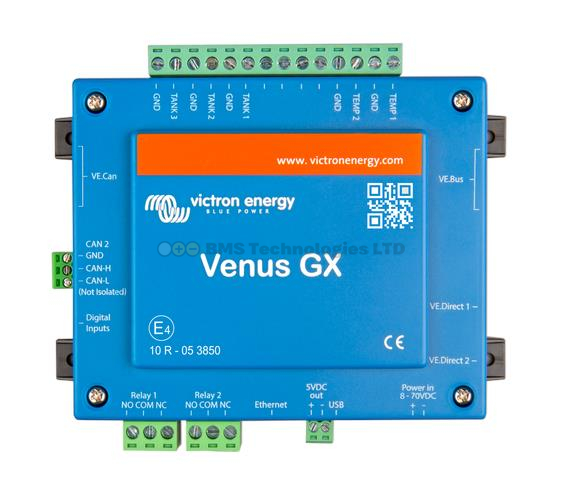
| Venus GX | Predecessor to Cerbo GX — similar functionality, fewer ports | Discontinued (available used) | Budget option if found second-hand |
| Ekrano GX | Cerbo GX functionality with large integrated touchscreen | £500-650 | Installations wanting a large, wall-mounted display |
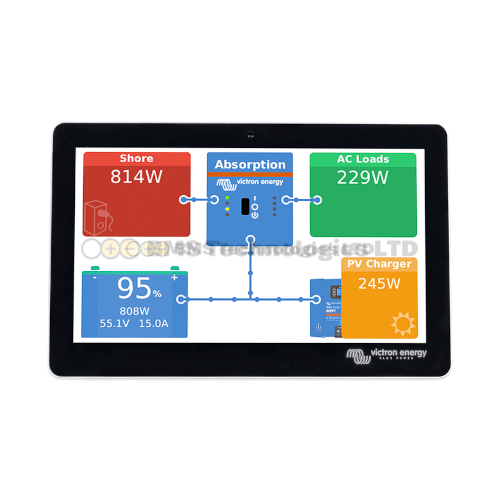
For most new installations, the Cerbo GX is the standard choice. Add a GX Touch 50 or GX Touch 70 screen if you want a local display. The Cerbo-S GX is convenient for smaller setups where you want everything in one box.
What Connects to the Cerbo GX?
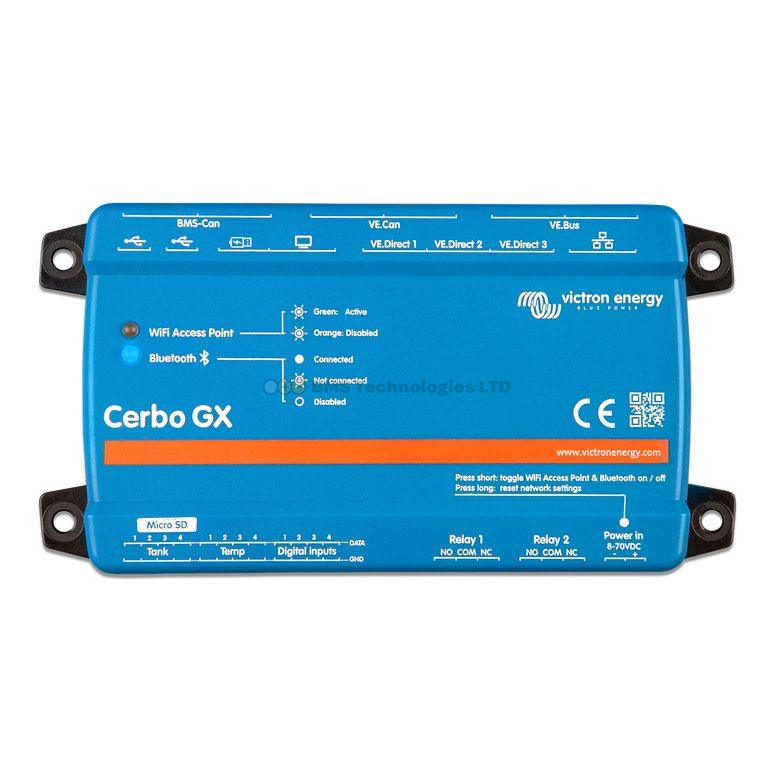
The Cerbo GX has multiple connection ports:
- VE.Direct ports (x2) — connect MPPT charge controllers and SmartShunt battery monitors. Use a VE.Direct to USB adapter if you need more than two
- VE.Bus port — connects MultiPlus, MultiPlus-II, and Quattro inverter/chargers
- VE.Can port — connects Victron Lynx modules, MPPT RS charge controllers, and third-party batteries with CAN BMS (Pylontech, BYD)
- USB ports — for additional VE.Direct devices (via adapter), WiFi dongles, GPS, or other accessories
- HDMI output — connect an external monitor to display the system dashboard
- Relay outputs — for generator start/stop, alarm indicators, or other automated switching
- Ethernet — wired internet connection for VRM (more reliable than WiFi)
- WiFi — built-in wireless for internet and Bluetooth for device detection
Cost-Benefit Analysis
A Cerbo GX costs approximately £300-400. Add a GX Touch 50 display for another £180-200. Is it worth it?
For a Home ESS System
Absolutely yes. You cannot run ESS without a GX device, and the monitoring and control via VRM is essential for optimising your system and verifying savings. The Cerbo GX pays for itself through better system management.
For an Off-Grid Cabin
Very likely yes. Generator auto-start, DVCC for lithium batteries, and remote monitoring via VRM are all significant benefits. If you have invested in a proper off-grid system, the Cerbo GX is a small additional cost for a large improvement in reliability and convenience.
For a Campervan or Small Boat
Depends on your system complexity. A simple setup (one MPPT, one battery, small inverter) works fine with VictronConnect alone. But if you have multiple charging sources (solar, alternator via Orion-Tr, shore power via MultiPlus), a Cerbo GX brings valuable coordination through DVCC and the convenience of a single dashboard. Many campervan owners start without a Cerbo GX and add one later as their system grows.
For a Single Solar Panel with a PWM Controller
No. This is overkill. A Cerbo GX costs more than many simple solar setups. Use VictronConnect if your controller supports it, or simply check the built-in display on the controller.
Installation Basics
The Cerbo GX is a small box (approximately 130 x 120 x 30mm) that mounts with screws or DIN rail. It draws about 3-4W of power, supplied via its dedicated power input (8-70V DC range — connect it to your battery bank). Connect your Victron devices using the appropriate cables (VE.Direct, VE.Bus, VE.Can), plug in an Ethernet cable or connect to WiFi, and the system auto-detects connected devices within minutes.
For detailed setup instructions, see our Cerbo GX setup guide. To compare Cerbo GX prices across UK retailers, check our Cerbo GX price comparison.