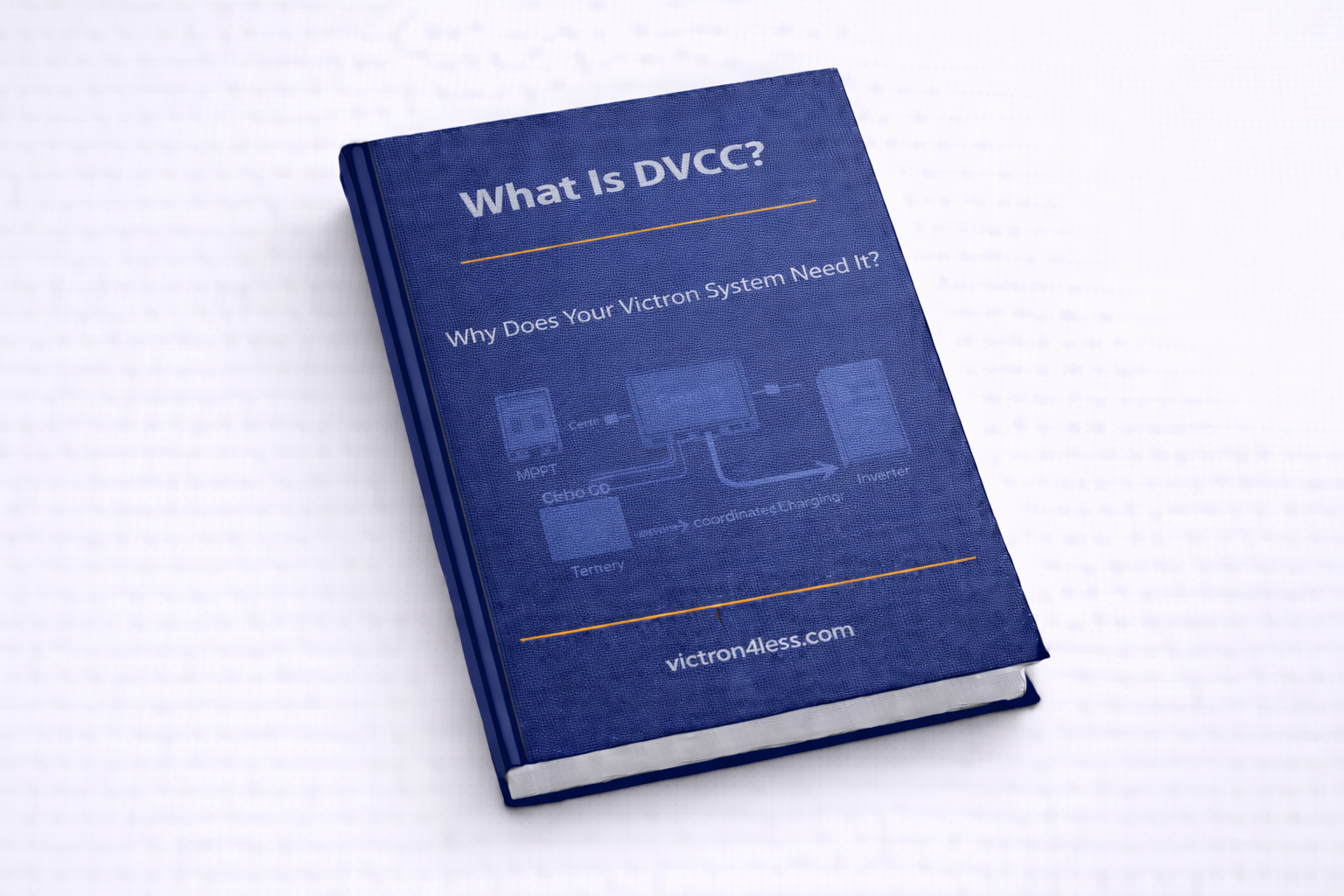
DVCC — Distributed Voltage and Current Control — is one of the most important features of the Victron Cerbo GX. It transforms a collection of independent charging devices into a coordinated system that works together intelligently. If you have a lithium battery system, DVCC isn't just useful — it's essential. This guide explains what DVCC does, why it matters, and how to set it up.
What Is DVCC?
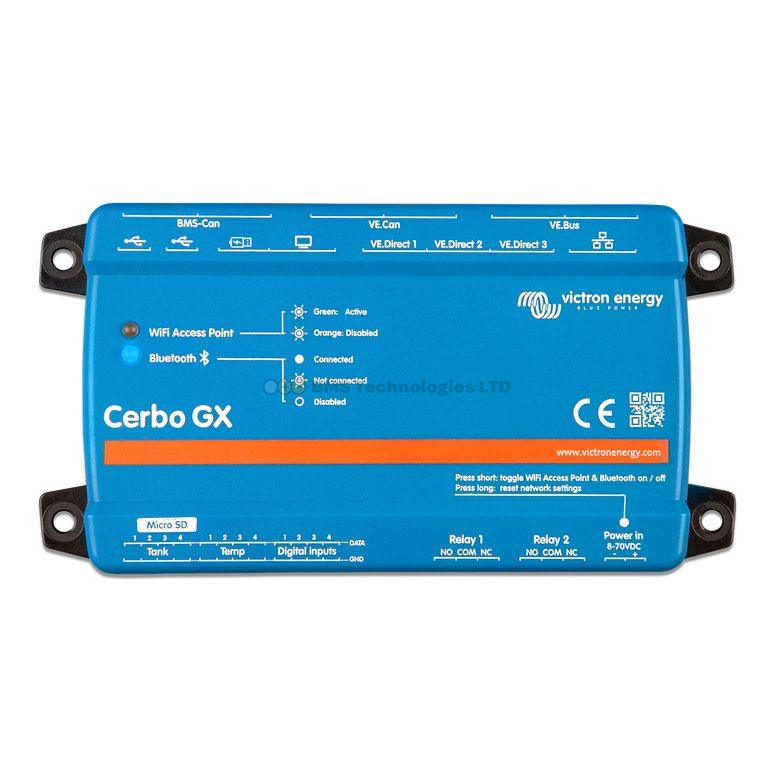
DVCC is a firmware feature built into Victron GX devices (Cerbo GX, Venus GX, and others). When enabled, the GX device takes centralised control of all connected charging sources — MPPT solar charge controllers, MultiPlus/Quattro inverter-chargers, DC-DC converters like the Orion-Tr Smart, and battery chargers like the Blue Smart IP22.
Without DVCC, each charging device operates independently based on its own programmed voltage and current settings. The MPPT charges to its configured absorption voltage, the MultiPlus charges to its configured voltage, and neither knows what the other is doing. For lead-acid batteries, this generally works because the chemistry is forgiving. For lithium batteries, this independent behaviour creates real problems.
Why DVCC Matters for Lithium Systems
Lithium (LiFePO4) batteries use a Battery Management System (BMS) that enforces strict voltage and current limits. When the battery is nearly full, the BMS may request that charging current drops to zero immediately. Without DVCC, individual chargers don't receive this message — they continue pushing current, and the BMS is forced to disconnect the battery entirely. This causes voltage spikes, error alarms, and unnecessary wear.
With DVCC enabled, the Cerbo GX receives the BMS limits via CAN-bus (from the Victron Lynx Smart BMS, VE.Bus BMS, or compatible third-party BMS) and distributes those limits to every connected charger simultaneously. When the BMS says "reduce current to 10A", every MPPT and every MultiPlus receives that instruction within seconds.
Key benefits of DVCC with lithium batteries:
- BMS-controlled charging: The BMS sets the charge voltage and current limit, and all chargers obey
- No BMS disconnect events: Chargers ramp down before the BMS needs to intervene
- Coordinated multi-charger systems: Three MPPT controllers and a MultiPlus share the available charge current intelligently
- Temperature-compensated charging: If the BMS reports low temperature, DVCC can reduce or halt charging to protect the cells
How DVCC Works — The Technical Detail
When DVCC is enabled, the Cerbo GX becomes the charge controller of the entire system. It reads the desired charge parameters from the BMS (via CAN-bus) or from its own configured limits, then sends instructions to every connected charger via VE.Direct (for MPPTs) and VE.Bus (for MultiPlus/Quattro).
The process works in a continuous loop:
- The BMS reports its Charge Voltage Limit (CVL), Charge Current Limit (CCL), and Discharge Current Limit (DCL) to the Cerbo GX via CAN-bus
- The Cerbo GX compares these limits with its own DVCC settings
- The most restrictive limit wins — whichever is lower
- The Cerbo sends the final limits to all MPPT controllers (via VE.Direct) and MultiPlus/Quattro (via VE.Bus)
- Each charger adjusts its output immediately
- The loop repeats every few seconds
DVCC Sub-Features: SVS, STS, and SCS
DVCC includes three sub-features that further improve system coordination. These are found in the DVCC settings menu on the Cerbo GX.
SVS — Shared Voltage Sense
SVS allows all chargers to use a single, accurate voltage reading from the battery monitor (typically a SmartShunt or BMV) rather than each charger measuring voltage at its own terminals. This is important because voltage drop across cables means each charger sees a slightly different voltage. The MPPT might measure 14.2V at its terminals while the actual battery voltage is 14.0V. SVS ensures every charger targets the true battery voltage.
Enable SVS when you have a SmartShunt or BMV connected to the Cerbo GX. The voltage reading from that monitor becomes the reference for all chargers.
STS — Shared Temperature Sense
STS shares a single battery temperature reading with all chargers. Lead-acid batteries need voltage compensation based on temperature — charging voltage should increase in cold conditions and decrease in warm conditions. With STS, all chargers use the same temperature reading from a sensor connected to your battery monitor or BMS.
For lithium systems, STS is less critical because LiFePO4 batteries don't need temperature-compensated voltage. However, the BMS uses temperature data to restrict charging below 5°C (to prevent lithium plating), and STS ensures this information reaches all devices.
SCS — Shared Current Sense
SCS shares the total battery current measurement from the battery monitor with all chargers. This helps MPPT controllers know the actual net current flowing into or out of the battery, improving their charge algorithm decisions — particularly during the transition from bulk to absorption charging.
How to Enable DVCC
Enabling DVCC on a Cerbo GX is straightforward:
- Navigate to Settings → DVCC on the Cerbo GX (via GX Touch display or VRM remote console)
- Toggle DVCC to On
- Set the Maximum charge voltage — this is the absolute upper limit the Cerbo will allow any charger to target (e.g., 14.2V for 12V LiFePO4, 28.4V for 24V)
- Set the Maximum charge current — the total current the Cerbo will allow from all chargers combined (set this to your battery's maximum charge rate)
- Enable SVS, STS, and SCS if you have a battery monitor connected
- If using a BMS with CAN-bus communication, the BMS limits will automatically override your manual settings when they are more restrictive
After enabling DVCC, verify that your MPPT controllers and MultiPlus show "Ext. Control" or "BMS controlled" in their status — this confirms the Cerbo GX is managing them.
When DVCC Is Not Needed
DVCC adds complexity and requires a GX device. In some simpler systems, it's not necessary:
- Single-charger systems: If you have just one MPPT and no inverter-charger, DVCC has nothing to coordinate
- Lead-acid batteries without BMS: AGM and gel batteries don't have a BMS sending limits, and independent chargers generally work fine with lead-acid chemistry
- Systems without a GX device: DVCC requires a Cerbo GX or equivalent — if you're using standalone components without a GX device, DVCC isn't available
That said, even simple systems benefit from DVCC once a GX device is added. The coordination it provides results in more accurate charging, better battery health, and fewer issues long-term.
Common DVCC Issues and Solutions
| Issue | Cause | Solution |
|---|---|---|
| MPPT shows 0W despite sunshine | BMS has sent 0A charge current limit (battery full or too cold) | Check battery SOC and temperature on the Cerbo GX dashboard |
| Charge voltage lower than expected | BMS CVL is lower than your DVCC setting | Normal — the BMS limit takes priority for safety |
| DVCC option is greyed out | Firmware too old on GX device | Update the Cerbo GX firmware to the latest version |
| "No BMS control" warning | CAN-bus cable disconnected or BMS not communicating | Check CAN-bus wiring and BMS CAN protocol setting |
DVCC and the VRM Portal
When DVCC is active, the VRM portal shows the active charge limits on the Advanced page. You can see the BMS-reported CVL, CCL, and DCL values in real-time, which is invaluable for diagnosing charging issues remotely. If your system unexpectedly stops charging, checking these values in VRM is the first step.
Summary
DVCC is the feature that turns independent Victron chargers into a coordinated charging system. For any system with lithium batteries and a BMS, it's essential — it ensures the BMS limits are respected by every charger, prevents disconnect events, and enables intelligent current sharing. For lead-acid systems with multiple chargers, it's still highly beneficial for voltage and current coordination. Enable it on your Cerbo GX under Settings → DVCC, configure the sub-features (SVS, STS, SCS), and let the GX device manage the rest.