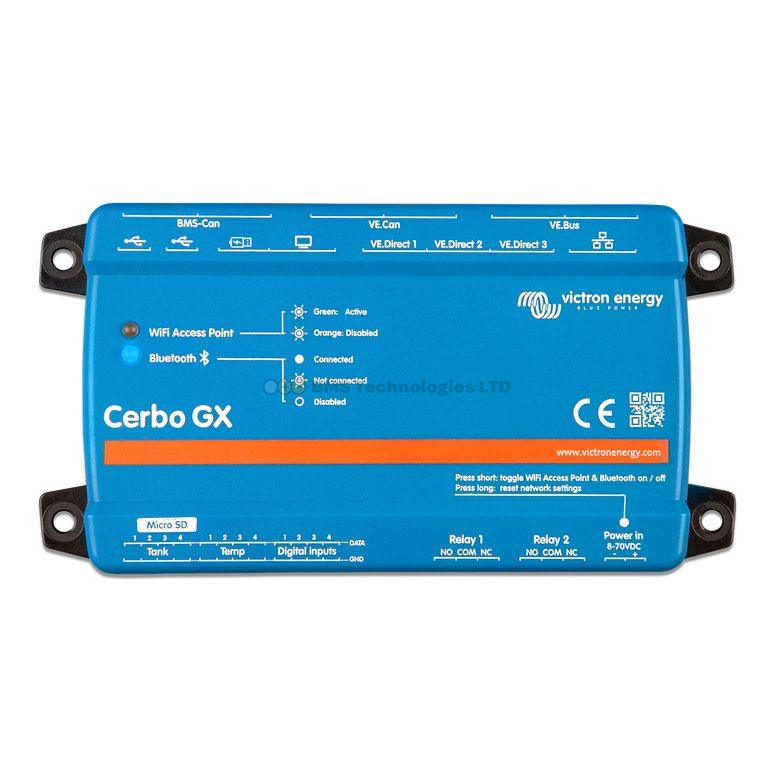
The GX Touch 50 and GX Touch 70 are Victron's dedicated touchscreen displays for the Cerbo GX. They give you a local, always-on display for your energy system — no phone or laptop needed. The only real difference between them is size, but that size difference matters more than you might think depending on your installation. This guide compares both models to help you choose the right one.
What Are the GX Touch Displays?
Both GX Touch models are purpose-built touchscreen displays designed exclusively for the Victron Cerbo GX. They connect via HDMI (for video) and USB (for touch input), and they show the full GX interface — system overview, device details, settings menus, and the animated energy flow diagram. There's no separate software or app — the GX Touch simply mirrors the Cerbo GX's display output.
Neither display has its own processor or storage. They are purely input/output devices — the Cerbo GX does all the processing. This means both models show exactly the same interface, the same data, and the same menus. The difference is purely physical.
GX Touch 50 vs GX Touch 70: Key Specifications
| Specification | GX Touch 50 | GX Touch 70 |
|---|---|---|
| Screen size | 5 inches (127mm diagonal) | 7 inches (178mm diagonal) |
| Resolution | 800 x 480 pixels | 800 x 480 pixels |
| Panel cutout (width x height) | 130 x 86mm | 187 x 120mm |
| Overall dimensions (w x h x d) | 142 x 96 x 24mm | 197 x 132 x 24mm |
| Connection | HDMI + USB (cables included) | HDMI + USB (cables included) |
| Touch type | Capacitive | Capacitive |
| Power supply | Via USB from Cerbo GX | Via USB from Cerbo GX |
| Weight | ~200g | ~350g |
| Operating temperature | -20°C to +50°C | -20°C to +50°C |
| Typical UK price | £90–£115 | £130–£165 |
The resolution is identical — 800 x 480 pixels on both. This means the GX Touch 70 doesn't show more information; it shows the same information at a larger physical size, making it easier to read from a distance.
What the Display Shows
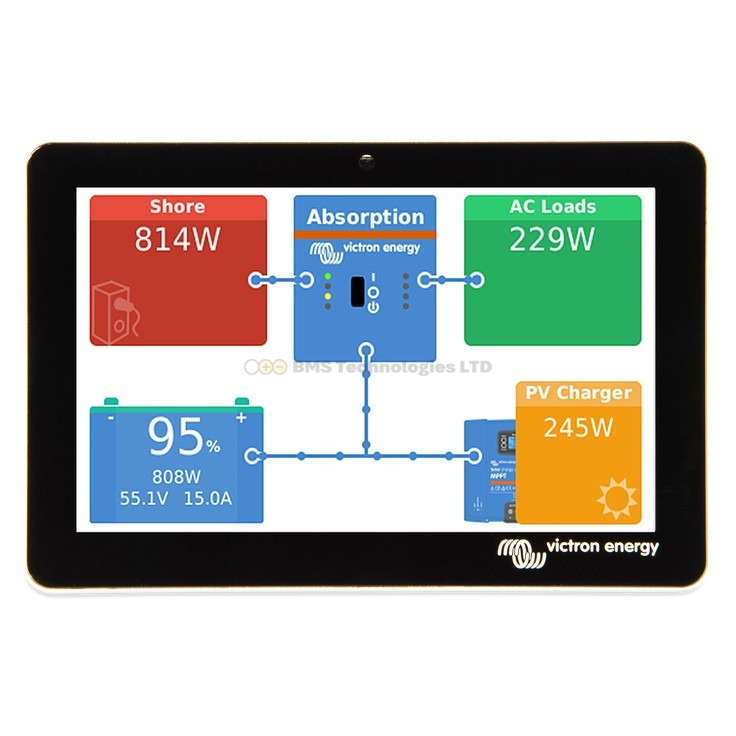
Both displays show the full Cerbo GX interface. The main screen is the system overview — an animated flow diagram with:
- Solar production (total watts from all MPPT controllers)
- Battery status (state of charge percentage, voltage, charge/discharge current)
- AC loads (watts consumed through the inverter)
- DC loads (watts consumed directly from the battery)
- Grid/shore power (if connected via a MultiPlus or Quattro)
Animated lines show energy flowing between components in real-time. You can tap any component to see detailed information, access device settings, and navigate through the full menu system.
Mounting and Installation
Both models are designed for panel mounting — you cut a rectangular hole in a panel (cupboard door, wall panel, or dashboard) and the display sits flush. The included mounting clips secure the display from behind.
Panel Cutout Dimensions
| Model | Cutout Width | Cutout Height |
|---|---|---|
| GX Touch 50 | 130mm | 86mm |
| GX Touch 70 | 187mm | 120mm |
The GX Touch 50's cutout is roughly the size of a large smartphone screen. The GX Touch 70's cutout is noticeably larger — about the size of a small tablet. In a campervan or boat where panel space is tight, the smaller cutout of the GX Touch 50 is often easier to accommodate.
Cable Routing
Both displays connect to the Cerbo GX via an HDMI cable and a USB cable (both included in the box, approximately 1.5m long). You'll need to route these cables from the display location to wherever the Cerbo GX is mounted. Keep the cables under 3m total — longer HDMI runs can cause signal issues.
The ideal setup has the Cerbo GX mounted behind or near the display panel, with the cables running through the panel wall. In a campervan, this typically means the Cerbo is inside a cupboard or under a seat, with the GX Touch flush-mounted in the cupboard door or a nearby panel.
When the GX Touch 50 Is the Right Choice
The smaller GX Touch 50 is the more popular choice, and it's the better fit for most mobile installations:
- Campervans and motorhomes: Limited panel space makes the smaller cutout much easier to integrate. The 5-inch screen is perfectly readable from arm's length — similar to checking your phone.
- Boats: Chart table space is valuable. The GX Touch 50 fits into tight helm or nav station panels without dominating the area.
- Budget-conscious builds: The £30–£50 saving might be better spent elsewhere in a tight build budget.
- Systems you check up close: If you'll always be standing directly in front of the display (within 1 metre), the 5-inch screen is clear and easy to read.
When the GX Touch 70 Makes More Sense
The larger GX Touch 70 earns its place in installations where readability from a distance matters:
- Wall-mounted home systems: In an off-grid home or workshop, you might want to read the display from across the room. The 7-inch screen is visible from 2–3 metres.
- Utility rooms and plant rooms: Where the display is mounted on a wall above equipment and you're reading it while working nearby.
- Older users or those with visual impairments: The larger text and icons on the 7-inch screen make a genuine difference for accessibility.
- Installations where the display is a centrepiece: If you want the energy system display to be a prominent feature on a wall or control panel, the GX Touch 70 looks more substantial.
What About Using a Generic Monitor Instead?
The Cerbo GX outputs a standard HDMI signal, which means technically any HDMI monitor or TV will work. Some people use a small 7-inch or 10-inch HDMI monitor from Amazon instead of the official GX Touch. This can save money, but there are trade-offs:
- Touch input: The official GX Touch displays have integrated USB touch that works out of the box. A generic monitor needs a separate USB touch overlay, and compatibility is not guaranteed.
- Mounting: The GX Touch displays come with panel-mount clips designed for a clean, flush installation. Generic monitors usually need a separate enclosure or bracket.
- Reliability: The GX Touch displays are tested and supported by Victron. A cheap HDMI monitor may have power draw issues, compatibility problems, or shorter lifespan.
- Aesthetics: The GX Touch displays look purpose-built and professional. A generic monitor with visible bezels and branding looks like a bodge.
For most people, the official GX Touch is worth the premium for the clean installation and guaranteed compatibility.
Do You Even Need a GX Touch Display?
The Cerbo GX works perfectly without a physical display. You can access the full interface via:
- VRM portal: Remote monitoring and control from any browser or the VRM app
- VictronConnect app: Bluetooth connection to individual devices
- Remote Console via LAN: Access the GX interface through a web browser on the same network
However, a dedicated GX Touch display provides always-on, instant access without reaching for your phone or waiting for an app to load. In a campervan or boat, a quick glance at the display tells you everything you need to know about your system. For home installations, it's a convenient wall-mounted energy dashboard.
Summary
The GX Touch 50 and GX Touch 70 are functionally identical — same resolution, same interface, same data. The GX Touch 50 (5-inch) is the better choice for campervans, boats, and space-constrained installations where you'll be reading the display from close range. The GX Touch 70 (7-inch) is worth the extra cost for wall-mounted home installations, larger control panels, or anywhere you need to read the display from a distance. Both connect to the Cerbo GX via HDMI and USB, panel-mount cleanly, and provide an always-on window into your energy system.