Victron Energy products communicate with each other using several different protocols — VE.Direct, VE.Bus, and VE.Can being the three you will encounter most often. Understanding which protocol does what, and which products use which, saves confusion when planning your system and buying the right cables. This guide explains each protocol in plain language and helps you work out what connects to what.
Why Multiple Protocols Exist
Victron did not design all three protocols at once. They evolved over decades as products grew more capable. VE.Bus dates back to the early 2000s for inverter/charger communication. VE.Direct came later as a simpler, cheaper option for smaller devices. VE.Can is the newest, based on the industry-standard CAN-bus used in vehicles and industrial automation. Each serves a different purpose, and most Victron systems use at least two of them.
VE.Direct: Simple Point-to-Point
What It Does
VE.Direct is a serial communication protocol using a simple 4-pin JST connector. It sends data one way (from the device to a receiver) with optional two-way communication for configuration. It is designed for connecting a single device to a monitoring system or computer.
Key Characteristics
- Point-to-point — one cable connects one device to one receiver. You cannot daisy-chain VE.Direct devices
- Simple wiring — a single thin cable with JST-PH connectors at each end
- Low cost — cables are inexpensive and widely available in lengths from 0.3m to 10m
- Data only — does not carry power. The connected device powers itself from its own supply
Products That Use VE.Direct
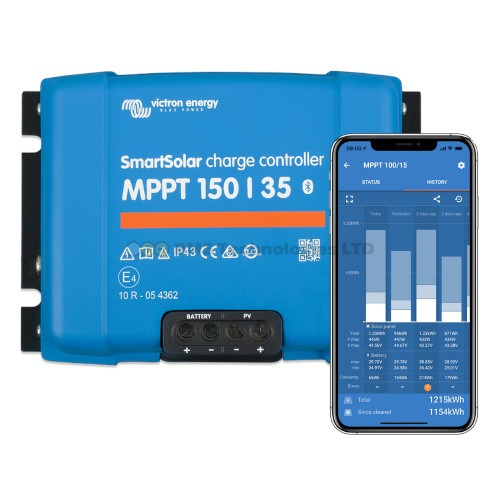
- SmartSolar and BlueSolar MPPT charge controllers (all models up to and including the 150/70)
- SmartShunt and BMV battery monitors
- Phoenix Inverter range (Smart models)
- Orion XS (some models)
Connecting VE.Direct Devices to a GX
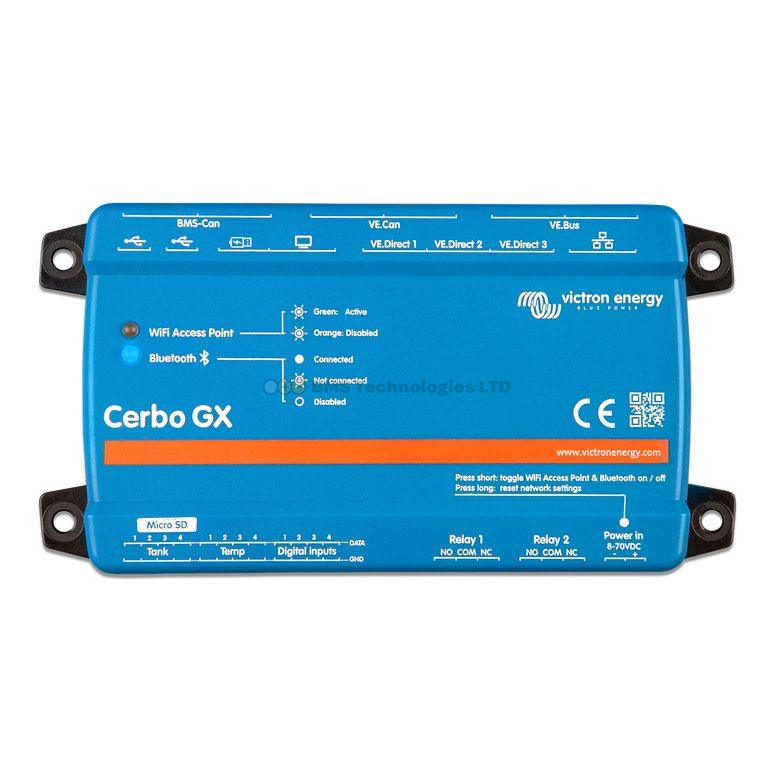
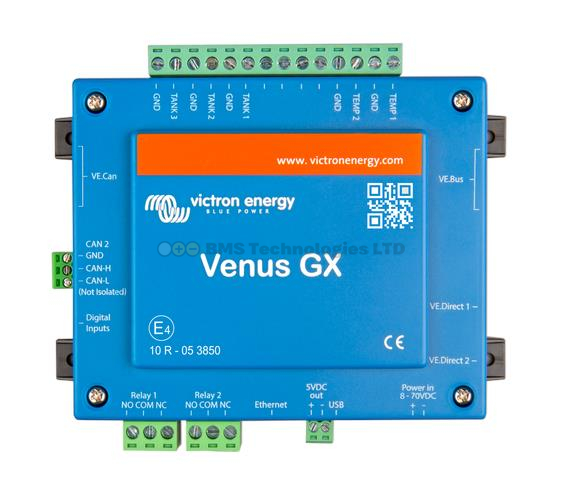
The Cerbo GX has a limited number of built-in VE.Direct ports — typically two or three. If you have more VE.Direct devices than ports, you need a VE.Direct to USB adapter plugged into one of the Cerbo's USB sockets. Each adapter handles one device. A powered USB hub can extend this further, allowing up to around 15 VE.Direct devices via USB on a single Cerbo GX.
VE.Direct Bluetooth Smart Dongle
If your device has a VE.Direct port but no built-in Bluetooth, you can plug in a VE.Direct Bluetooth Smart dongle. This adds Bluetooth connectivity for the VictronConnect app. Note that the dongle occupies the VE.Direct port, so you cannot simultaneously connect the device to a GX via VE.Direct cable and use the Bluetooth dongle. Newer "Smart" products have Bluetooth built in, making this dongle unnecessary for most current models.
VE.Bus: The Inverter/Charger Backbone
What It Does
VE.Bus is Victron's proprietary high-speed communication bus designed specifically for inverter/chargers. It handles device configuration, monitoring, synchronisation of parallel and three-phase systems, and remote on/off control. It uses standard RJ45 connectors and UTP cables (the same physical connectors as Ethernet, though the protocol is not Ethernet).
Key Characteristics
- Multi-device capable — supports parallel configurations (multiple units working together for more power) and three-phase setups
- Bidirectional — full two-way communication for configuration and monitoring
- Synchronisation — keeps multiple inverter/chargers perfectly in phase when running in parallel
- Daisy-chain topology — devices connect in a chain using RJ45 UTP cables from one unit to the next
Products That Use VE.Bus
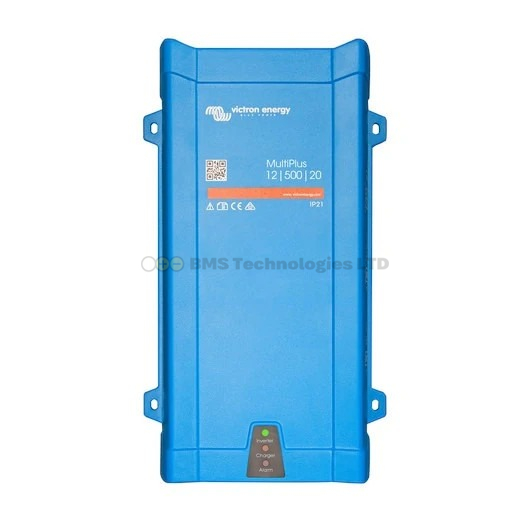
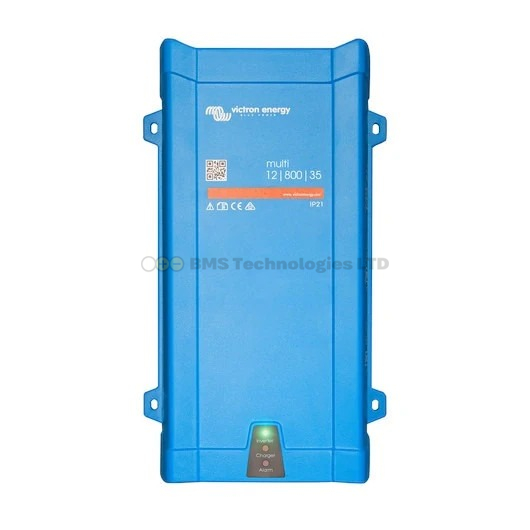
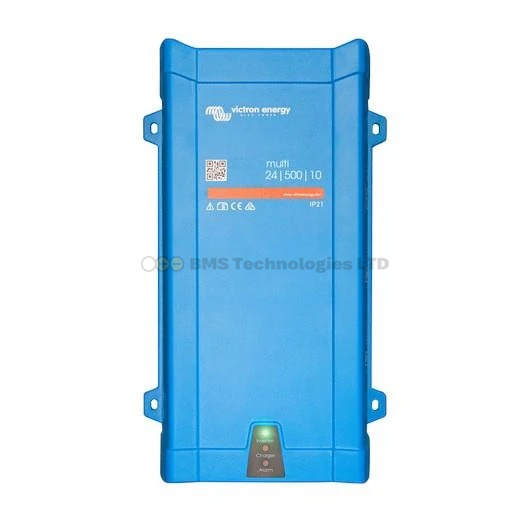
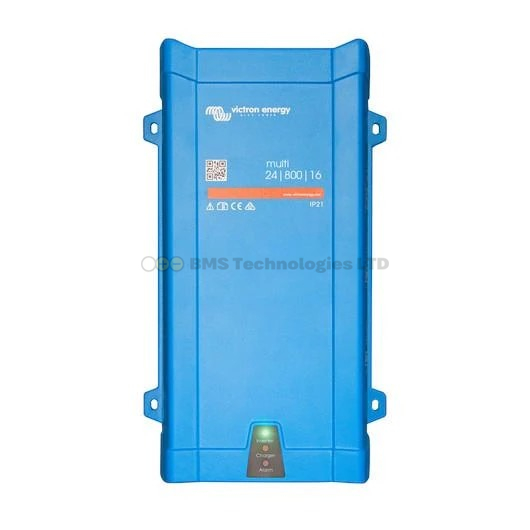
- MultiPlus and MultiPlus-II (all models)
- Quattro and Quattro-II (all models)
- Multi RS Solar
- EasySolar range
Connecting VE.Bus to a GX
The Cerbo GX has a dedicated VE.Bus port (RJ45 socket). A single cable from the GX to the first MultiPlus or Quattro gives the GX access to the entire VE.Bus chain. If you have three MultiPlus units in parallel, you only need one cable from the GX — it communicates with all three through the daisy chain.
MK3-USB Interface
To configure VE.Bus products directly from a laptop or to update firmware, you need the MK3-USB adapter. This plugs into the MultiPlus or Quattro's RJ45 port at one end and into your computer's USB port at the other. VictronConnect recognises it automatically. The MK3-USB is essential if you do not have a GX device, and it remains useful even if you do — firmware updates for VE.Bus products require either the MK3-USB or a GX device with internet access.
VE.Can: Modern CAN-Bus Communication
What It Does
VE.Can is based on the CAN-bus standard (Controller Area Network), the same protocol used in cars, trucks, and industrial equipment. It is a robust, multi-device network that supports higher data throughput than VE.Direct and is designed for larger, more complex systems.
Key Characteristics
- Multi-drop network — many devices share one bus (daisy-chain with terminators at each end)
- Robust and noise-resistant — CAN-bus is designed for electrically noisy environments
- Higher bandwidth — handles more data than VE.Direct
- RJ45 connectors — same physical connector as VE.Bus, but a different protocol. Do not connect VE.Can to VE.Bus ports
- Requires termination — the first and last devices on the chain need 120-ohm termination resistors (usually supplied as small RJ45 plugs)
Products That Use VE.Can
- Lynx Smart BMS
- Lynx Shunt VE.Can
- Orion XS DC-DC charger (newer models)
- Larger SmartSolar MPPT charge controllers (250/70, 250/85, 250/100) — these have both VE.Direct and VE.Can
- Skylla-i battery chargers
- Third-party compatible BMS units (using CANBUS BMS protocol)
Connecting VE.Can Devices to a GX
The Cerbo GX has one or two VE.Can ports (RJ45). Connect the first VE.Can device to the GX, then daisy-chain additional VE.Can devices. Place a 120-ohm terminator on the unused port of the last device in the chain and on the unused VE.Can port of the Cerbo GX (if only using one port).
Protocol Comparison Table
| Feature | VE.Direct | VE.Bus | VE.Can |
|---|---|---|---|
| Connector type | JST-PH 4-pin | RJ45 | RJ45 |
| Topology | Point-to-point | Daisy-chain | Daisy-chain with terminators |
| Devices per connection | 1 | Multiple (parallel/3-phase) | Multiple |
| Primary use | MPPT, battery monitors, small inverters | Inverter/chargers (MultiPlus, Quattro) | BMS, large MPPT, newer products |
| Configuration via protocol | Limited (some settings) | Full configuration | Full configuration |
| Firmware update via protocol | No (use Bluetooth/VictronConnect) | Yes (via MK3-USB or GX) | Yes (via GX) |
| Cable cost | Low (thin JST cable) | Low (standard UTP/RJ45) | Low (standard UTP/RJ45) |
| Maximum cable length | 10m recommended | 100m (UTP cable) | Depends on number of nodes; typically 50m+ |
A Typical System: What Connects Where
To illustrate how the protocols work together, consider a typical off-grid or marine system with a Cerbo GX as the central hub:
- VE.Bus port on Cerbo GX connects via RJ45 cable to the MultiPlus-II
- VE.Direct port 1 on Cerbo GX connects to the SmartSolar MPPT 100/30
- VE.Direct port 2 on Cerbo GX connects to the SmartShunt 500A
- VE.Can port on Cerbo GX connects to the Lynx Smart BMS, daisy-chained to a Lynx Shunt VE.Can, with a terminator on the last port
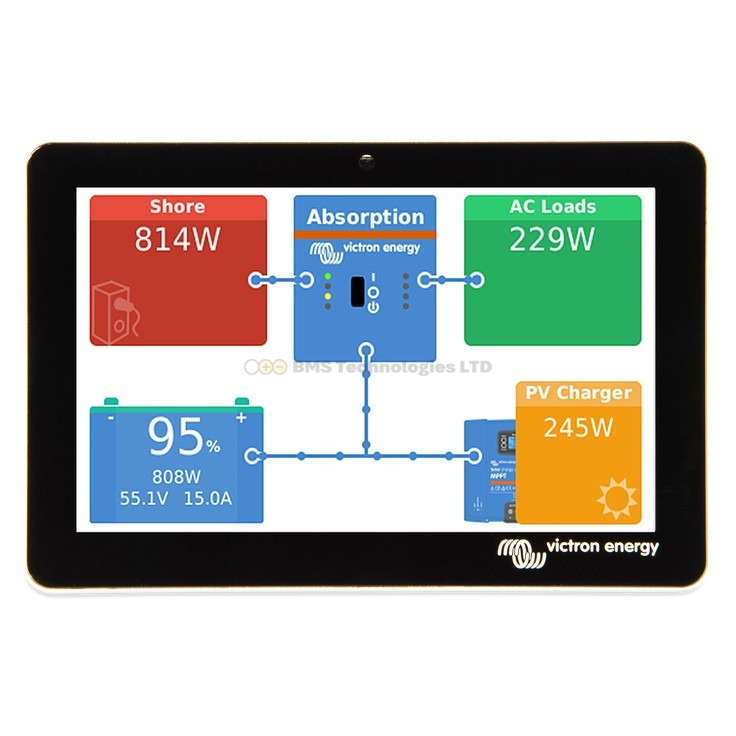
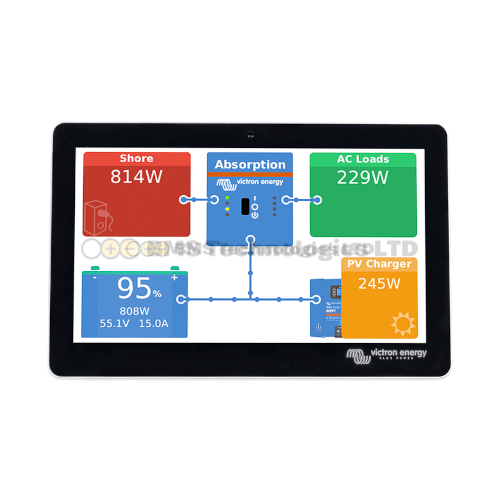
All four devices appear on the Cerbo GX screen and in the VRM online portal. Each uses its own protocol, but the GX device translates everything into a unified view.
Common Mistakes
Mixing VE.Can and VE.Bus Cables
Both use RJ45 connectors, but they are not interchangeable. Plugging a VE.Can device into a VE.Bus port (or vice versa) will not work and could potentially cause communication errors across the bus. The Cerbo GX has clearly labelled ports — check them before plugging in.
Running Out of VE.Direct Ports
A common issue in larger systems. If you have two MPPT controllers, a SmartShunt, and a Phoenix inverter, that is four VE.Direct devices but typically only two or three ports on the Cerbo. Solutions: use VE.Direct to USB adapters or choose larger MPPT controllers that have VE.Can (connecting them via the VE.Can bus instead, freeing up VE.Direct ports).
Forgetting VE.Can Terminators
Every VE.Can bus needs a 120-ohm terminator at each end. Without them, communication can be intermittent — devices may appear and disappear from the GX. Victron supplies terminator plugs with VE.Can products. They look like small RJ45 plugs with no cable attached.
Bluetooth and VE.Smart Networking
Separate from the wired protocols, Victron products with built-in Bluetooth can form VE.Smart networks. This is a wireless mesh that shares battery voltage, temperature, and current data between compatible devices — for example, allowing an Smart Battery Sense to share temperature readings with an MPPT controller. VE.Smart networking does not replace VE.Direct, VE.Bus, or VE.Can. It supplements them, particularly in smaller systems without a GX device.
Which Protocol Do You Need?
In practice, you do not choose a protocol — you choose products, and the protocols follow. However, understanding the protocols helps when:
- Buying cables — knowing you need three VE.Direct cables and one RJ45 UTP cable saves time
- Planning GX port usage — ensuring your Cerbo GX has enough ports for all connected devices
- Troubleshooting — if a device does not appear on the GX, checking the correct protocol port is the first step
- Future-proofing — VE.Can is Victron's direction of travel, so choosing VE.Can-capable products where possible makes expansion easier
For help choosing the right cables and adapters for your system, see our accessories guide. To understand how these protocols feed into the monitoring system, read our VRM dashboard guide. And for a full explanation of how to decode the product names you see on these devices, check our product naming guide.